Build, launch, and keep improving

Dopebase Blog

Practical guides for building, customizing, launching, and growing software products.

Liquid Glass in SwiftUI: How to Modernize an iOS App Template

· 7 min read
Full Stack Developer

A focused modernization pass for real SwiftUI apps, not a visual rewrite.

SwiftUI template modernization workflow for Liquid Glass interface updates

Liquid Glass is not just a shiny material. It changes how iOS apps express depth, hierarchy, translucency, motion, and icon identity across Apple platforms.

For teams starting from an existing SwiftUI template, the question is not "How do we add glass everywhere?" The better question is: "Which parts of this app should feel more native while still preserving the product's brand?"

This guide gives you a practical modernization path for SwiftUI templates:

  • audit navigation and surfaces before touching colors;
  • update reusable components instead of one-off screens;
  • prepare app icons with Icon Composer;
  • test legibility, motion, and accessibility settings;
  • ship the redesign in small, reversible steps.

If you are choosing a base app before modernizing, start with the SwiftUI Starter or browse the full iOS templates catalog.

MetricKit for SwiftUI Apps: Real-World Performance After Launch

· 5 min read
Full Stack Developer

The App Store release is the start of performance work, not the end.

MetricKit performance monitoring workflow for a SwiftUI iOS app

Most teams test performance before launch. Fewer teams monitor what happens after real users install the app on real devices.

That gap is expensive. A SwiftUI app can pass QA and still suffer from slow launches, memory pressure, animation hitches, disk usage growth, or hangs under real-world conditions.

MetricKit helps close that gap by delivering performance metrics and diagnostics from actual device usage. For template-based SwiftUI apps, this is a practical way to detect regressions after customizing the base code.

This guide covers:

  • what MetricKit measures;
  • which metrics matter for SwiftUI apps;
  • how to connect diagnostics to product areas;
  • what to monitor after a template customization;
  • how to build a release performance checklist.

Passkeys in Flutter: Passwordless Login for iOS and Android

· 6 min read
Full Stack Developer

Passkeys are one of the most important authentication upgrades Flutter teams can make. They reduce password reset friction, remove reusable password risk, and use the platform sign-in experience users already trust.

In Flutter, the hard part is not drawing the button. The hard part is choosing a safe architecture across Dart code, iOS AuthenticationServices, Android Credential Manager, domain association files, and backend WebAuthn verification.

Flutter passkey login flow across iOS Android and backend verification

Passkeys in React Native: Passwordless Login on iOS and Android

· 6 min read
Full Stack Developer

Passkeys are becoming the default answer to a long-standing mobile product problem: users dislike passwords, password reset flows are expensive, and weak credentials create security risk that your app has to absorb later.

For React Native teams, passkeys are not just a new login button. A production implementation touches native platform APIs, your backend authentication model, domain association files, account recovery, QA devices, and store release testing.

Passkey authentication architecture for React Native apps

React Native App Store Privacy Checklist 2026: Apple and Google Play

· 6 min read
Full Stack Developer

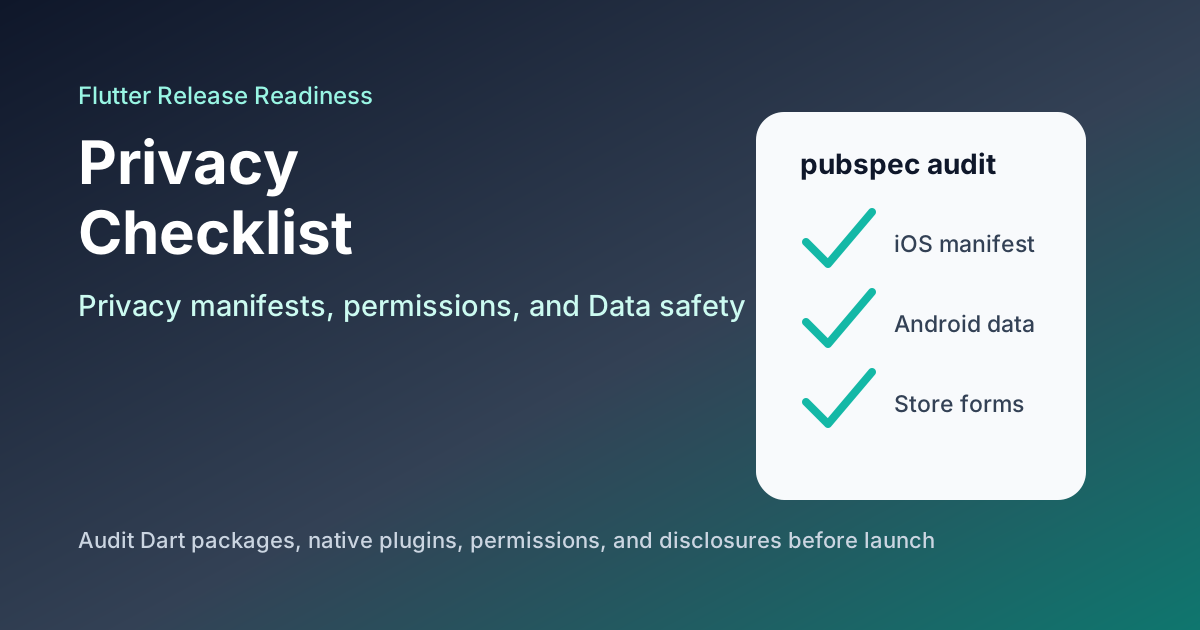
Privacy review is now part of mobile engineering, not just legal paperwork. React Native apps ship with native SDKs, analytics tools, crash reporters, payment providers, push notification services, authentication providers, and backend integrations. Every one of those can affect what you must disclose to Apple and Google Play.

React Native app store privacy checklist for Apple and Google Play

React Native Subscriptions in 2026: RevenueCat vs react-native-iap vs Stripe

· 6 min read
Full Stack Developer

Subscriptions look simple in product mockups: show plans, take payment, unlock premium features. In a real React Native app, subscriptions touch StoreKit, Google Play Billing, receipt validation, renewals, refunds, grace periods, intro offers, backend entitlements, app review, and customer support.

React Native subscription architecture comparing RevenueCat, react-native-iap, and Stripe

SwiftData + CloudKit for SwiftUI Templates

· 6 min read
Full Stack Developer

Persistence decisions that keep a template fast today and maintainable later.

SwiftData and CloudKit architecture for a SwiftUI app template

SwiftData is one of the most important tools for modern SwiftUI apps. It gives developers a native, Swift-first way to model and persist local data while working naturally with SwiftUI.

For app templates, the question is not "Should every app use SwiftData?" The better question is: "Which parts of this template need local state, offline behavior, sync, or structured persistence?"

This guide explains how to use SwiftData and CloudKit in SwiftUI templates:

  • when SwiftData is a good fit;
  • when Core Data or a backend-first model is safer;
  • how to think about iCloud sync;
  • how to structure model boundaries;
  • how to avoid coupling persistence directly to every screen.

WidgetKit and Live Activities for SwiftUI Apps

· 5 min read
Full Stack Developer

Make your app useful before the user opens it.

WidgetKit and Live Activities surfaces for a SwiftUI app template

Widgets and Live Activities are not decorations. They are retention surfaces.

A good widget gives users a reason to come back. A good Live Activity keeps an active task visible at the exact moment it matters. Together, they can make a SwiftUI app feel deeply integrated into iOS.

This guide shows how to plan WidgetKit and Live Activities for SwiftUI app templates:

  • choose the right use cases;
  • separate widgets from Live Activities;
  • model state safely;
  • use App Intents for interaction;
  • verify updates, permissions, and fallback states.

Android Studio Panda 2 and Jetpack Compose: A Kotlin Android Upgrade Plan

· 8 min read
Full Stack Developer

Android Studio Panda 2 arrives at the right moment for Kotlin Android teams. Google's Android Studio release notes, updated on March 19, 2026, make the direction clear: the tooling is moving further toward a Compose-first workflow, AI-assisted project setup, and a stricter Android Studio and Android Gradle Plugin compatibility policy.

For teams shipping client work, internal products, or MVPs, that turns toolchain discipline into a product advantage. If your Android Studio setup, AGP baseline, and UI workflow drift too far behind, release work gets slower exactly when device churn and user expectations are increasing.

This guide focuses on the practical question: what should Kotlin teams upgrade next so they can ship faster without turning modernization into a rewrite.

Android Studio Panda 2 and Jetpack Compose workflow for Kotlin teams

Flutter AI Apps Need Remote Config, App Check, and a Fallback Plan

· 8 min read
Full Stack Developer

Adding AI to a Flutter app is easier than it was a year ago. Firebase AI Logic now gives Flutter teams a Dart SDK for mobile AI features, direct access to Gemini and Imagen models, and built-in integrations with other Firebase services.

That makes demos faster. It does not make production risk disappear.

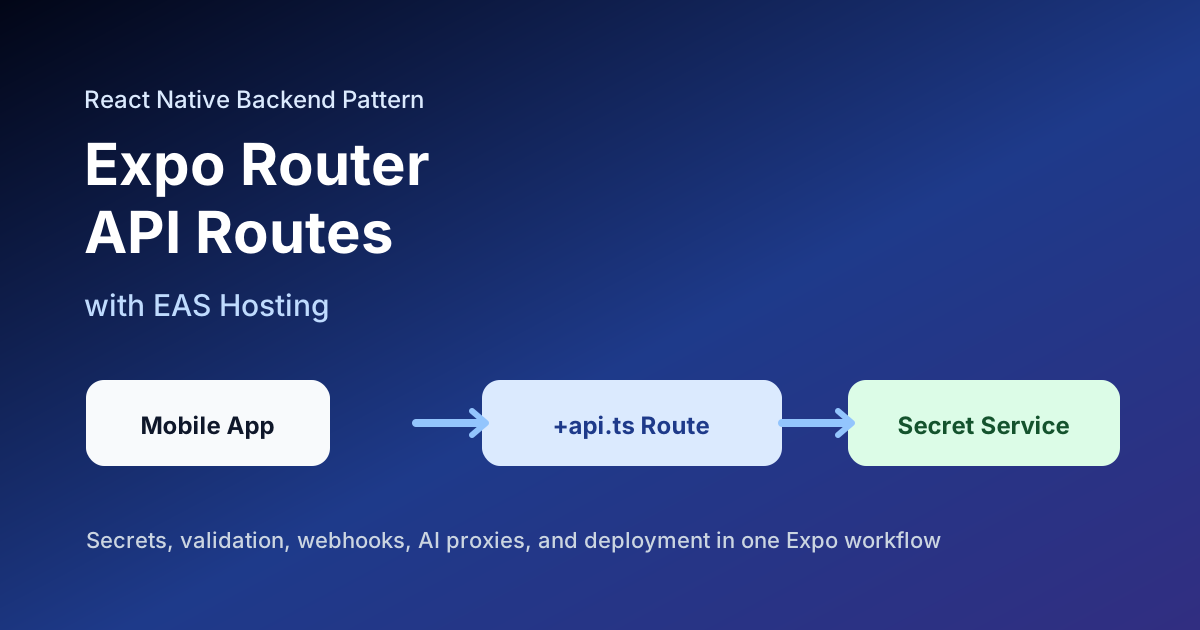
Production-ready Flutter AI app architecture with App Check, Remote Config, and backend fallback