How to Evaluate an AI React Native App Builder
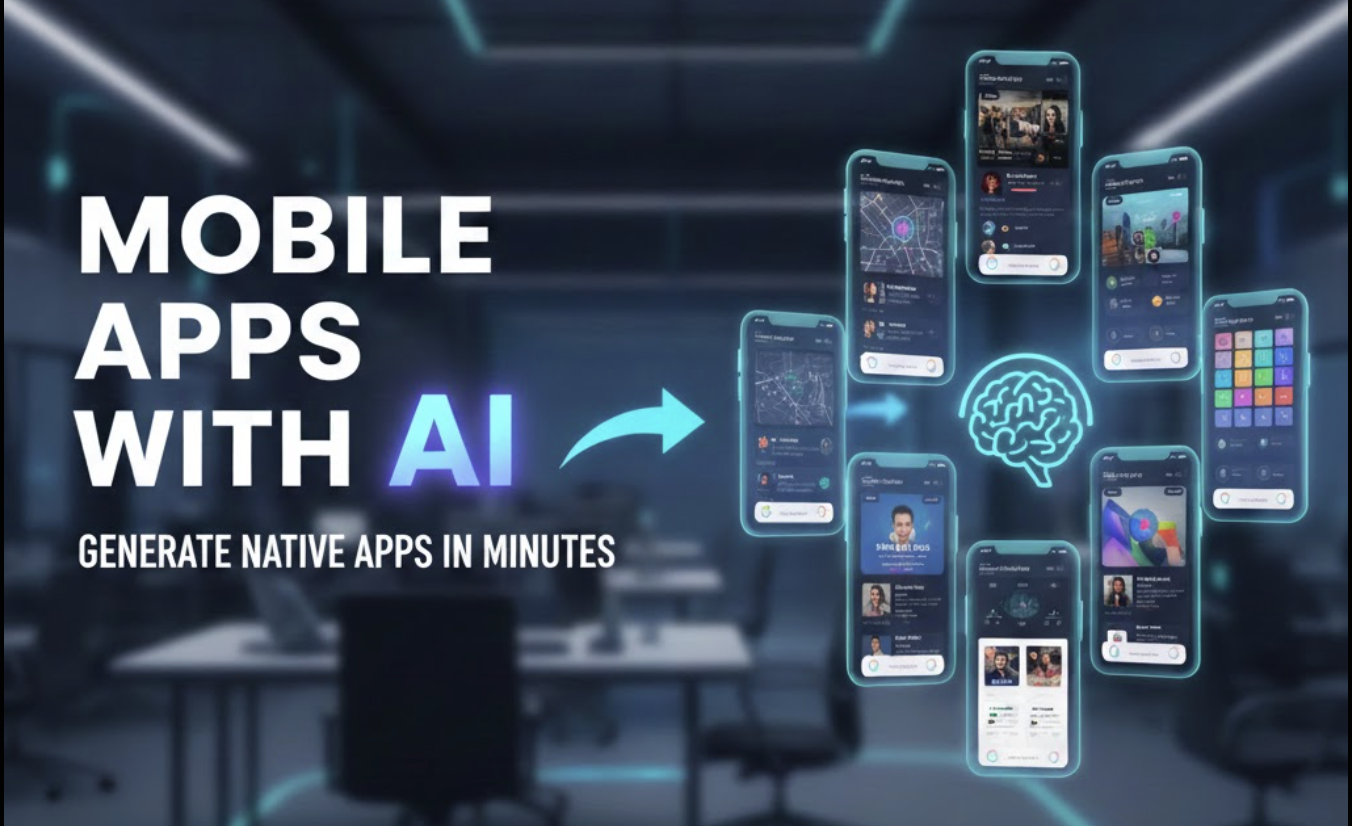
AI app builders can turn a product description into screens, navigation, and a React Native or Expo project quickly. That makes them useful for exploring an idea. It does not make every generated project production-ready.
This guide explains how to evaluate the generated result: what to inspect, which claims to verify, and where engineering work still begins after the first prompt.
Affiliate disclosure: Dopebase may earn a commission if you use the Rork links in this article, at no additional cost to you. The evaluation criteria below apply to Rork and to other AI app builders.
The interface examples in this article were generated with Rork. They show possible UI and project structures at the time they were captured. They are not evidence that the underlying applications include complete backends, security controls, or store release readiness.
What an AI app builder can accelerate
An AI-generated project can be a useful starting point for:
- exploring information architecture and navigation;
- comparing interface directions before committing to one;
- scaffolding screens, components, and sample data;
- testing whether a product flow is understandable;
- creating a disposable prototype for user feedback;
- reducing repetitive setup in a project your team will continue to own.
The value depends on the generated code being understandable, editable, and reproducible outside the builder. A fast preview has limited value if your team cannot export it, build it, or maintain it.
Start with a bounded evaluation
Do not begin with an entire marketplace, social network, or financial product. Use one representative workflow that exposes the difficult parts of your app. For example:
- describe one onboarding and authenticated flow;
- specify loading, empty, error, and offline states;
- ask for a small data model and one real integration boundary;
- export the generated source;
- run it from a clean local environment;
- inspect and test the result before expanding the prompt.
This separates UI-generation speed from the engineering quality of the deliverable.
Evaluate the source and ownership model
Before adopting generated code, answer these questions:
- Can you export the complete source without an ongoing hosted preview?
- Which files are generated, and which runtime services remain proprietary?
- Can the project run with documented, standard React Native or Expo commands?
- Who owns the generated code and assets under the current terms?
- Can you move the project, backend, and data to another provider?
- How will future framework upgrades affect generated or managed sections?
Read the provider's current terms and export documentation directly. Pricing, limits, and source-ownership policies can change after an article is published.
Build the exported project yourself
An interactive preview is not a release build. Export the code and verify at least:
pnpm install
pnpm lint
pnpm test
npx expo-doctor
Then create development and signed release builds for every target platform. Record the React Native, Expo, Node, Xcode, Android Gradle Plugin, Kotlin, and target SDK versions that actually work. Resolve warnings rather than assuming the hosted preview represents the exported project.
Use the React Native upgrade guide and the React Native 0.87 upgrade readiness check when the generated baseline is behind your required toolchain.
Treat the backend as a separate system
A generated screen can display a login form, shopping cart, chat, or payment flow without implementing the system behind it.
| Capability | What to verify |
|---|---|
| Authentication | Recovery, verification, session expiry, account deletion, authorization rules |
| Database | Schema, migrations, row-level access, backups, retention, and data export |
| File uploads | Storage location, size limits, scanning, transformations, and deletion |
| Payments | Server-side verification, webhooks, refunds, entitlements, and tax handling |
| Notifications | Permission flow, token lifecycle, environments, and delivery failure handling |
| User content | Reporting, blocking, moderation, rate limits, and abuse response |
Never place production secrets in client code or in a prompt. Mobile environment variables are not automatically private because they have an innocent-looking name.
Inspect generated interface examples carefully
The following screenshots are useful as examples of generated interface directions. Validate each project independently before treating any behavior as implemented.
Reusable component library
| COMPONENT EXAMPLE | COMPONENT CATALOG |
|---|---|
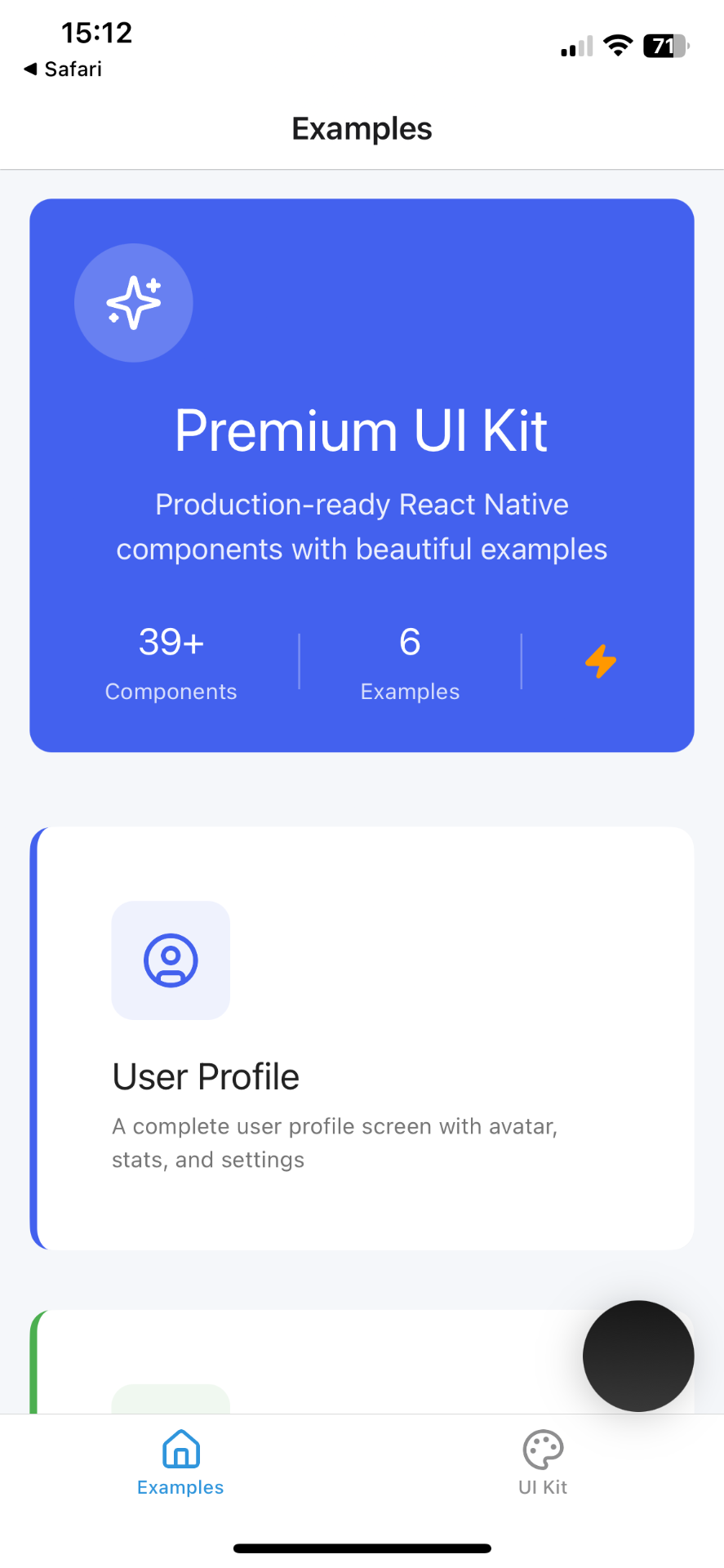 | 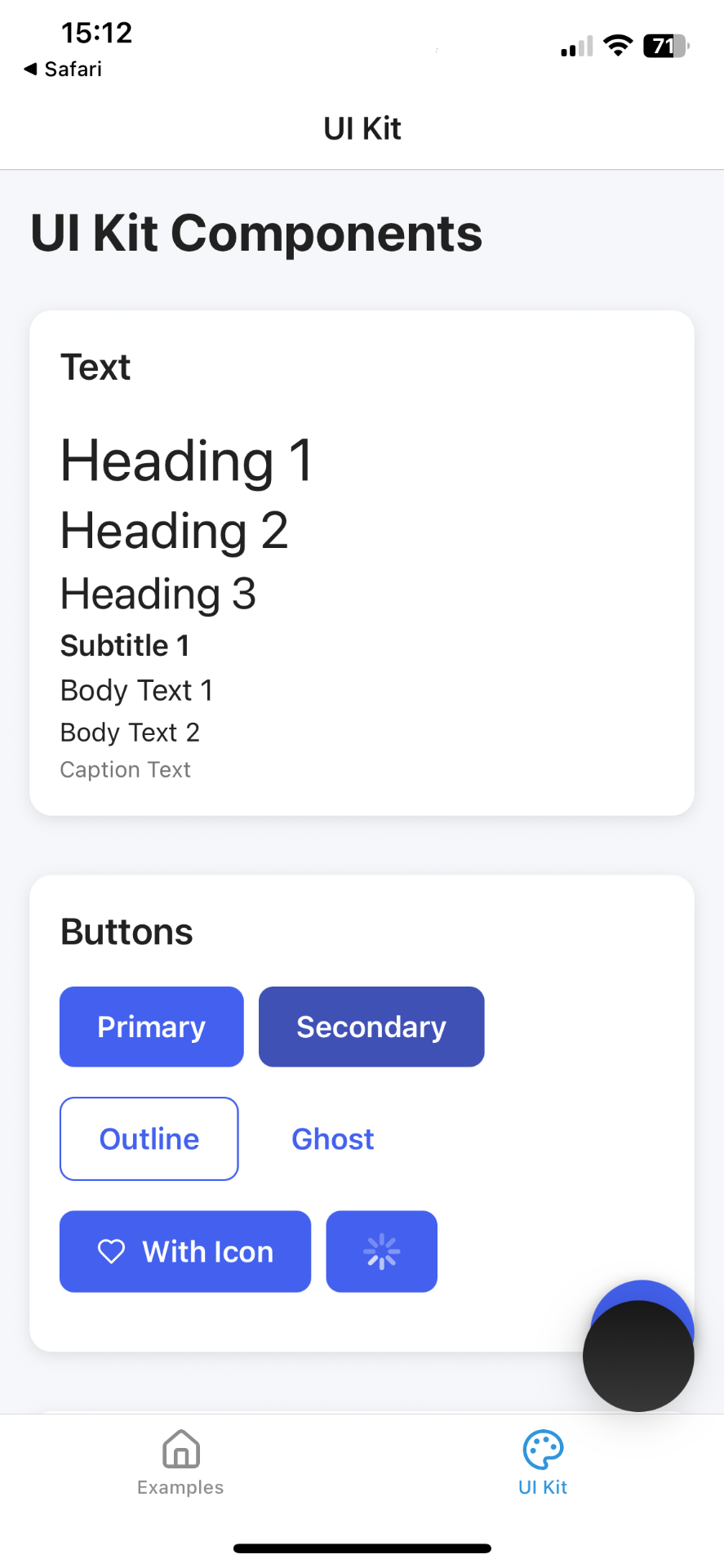 |
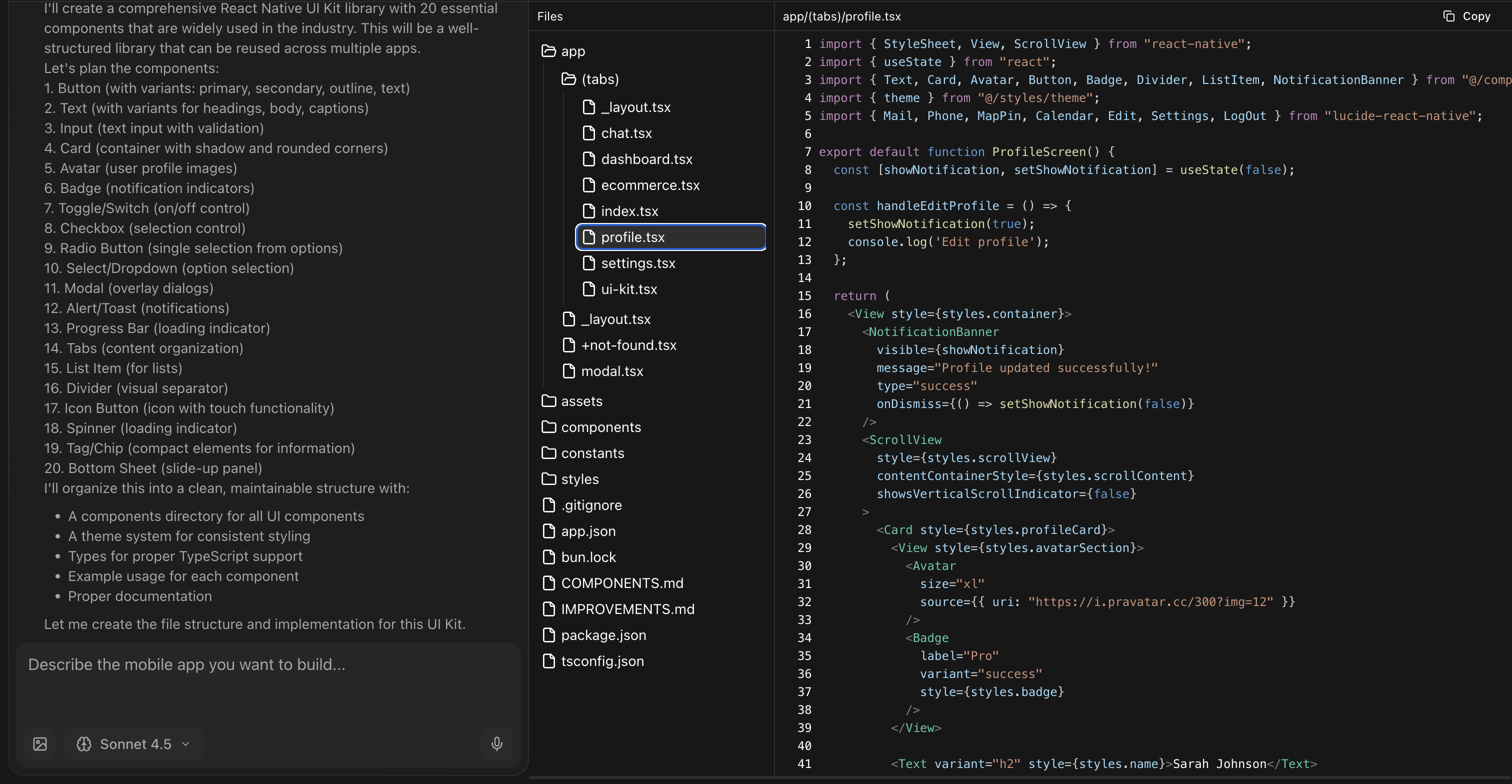
Use this type of project to inspect component boundaries, theming, typography, variants, and accessibility—not only visual consistency.
Data-heavy dashboard
| LIST EXAMPLE | DETAIL EXAMPLE |
|---|---|
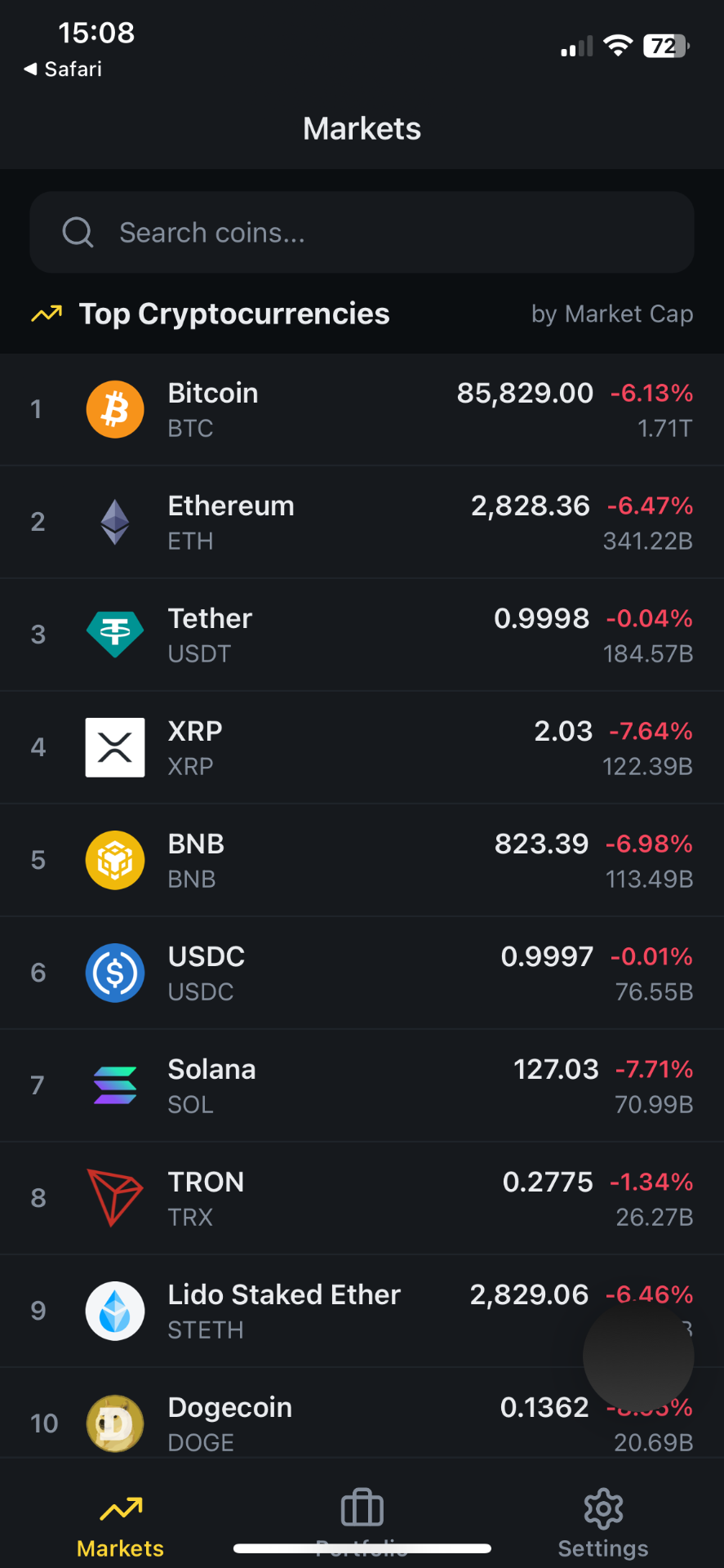 | 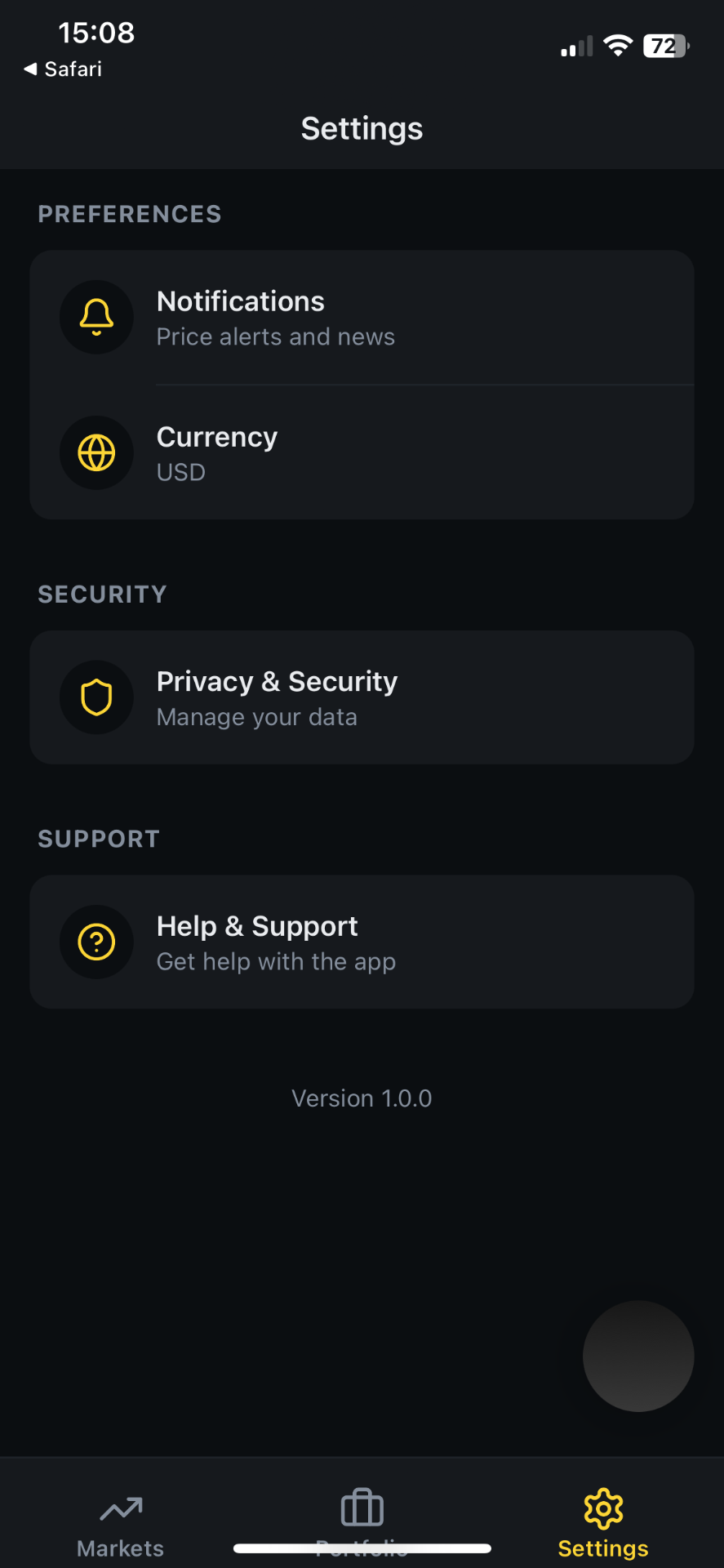 |
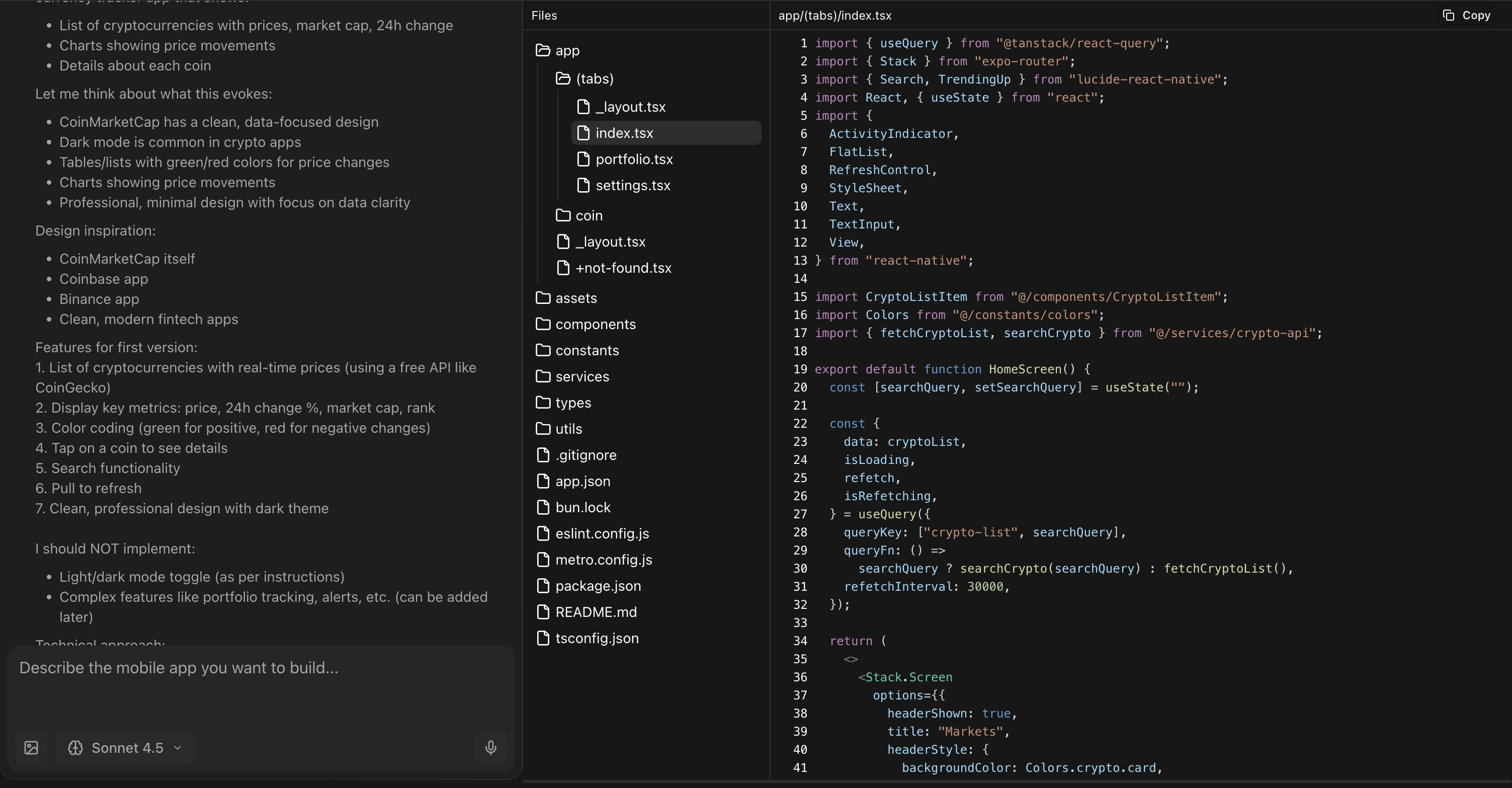
For data-heavy products, verify data provenance, stale and partial responses, pagination, chart accessibility, numeric formatting, timezones, and offline behavior.
Social interaction flow
| DISCOVERY EXAMPLE | PROFILE EXAMPLE |
|---|---|
 |  |
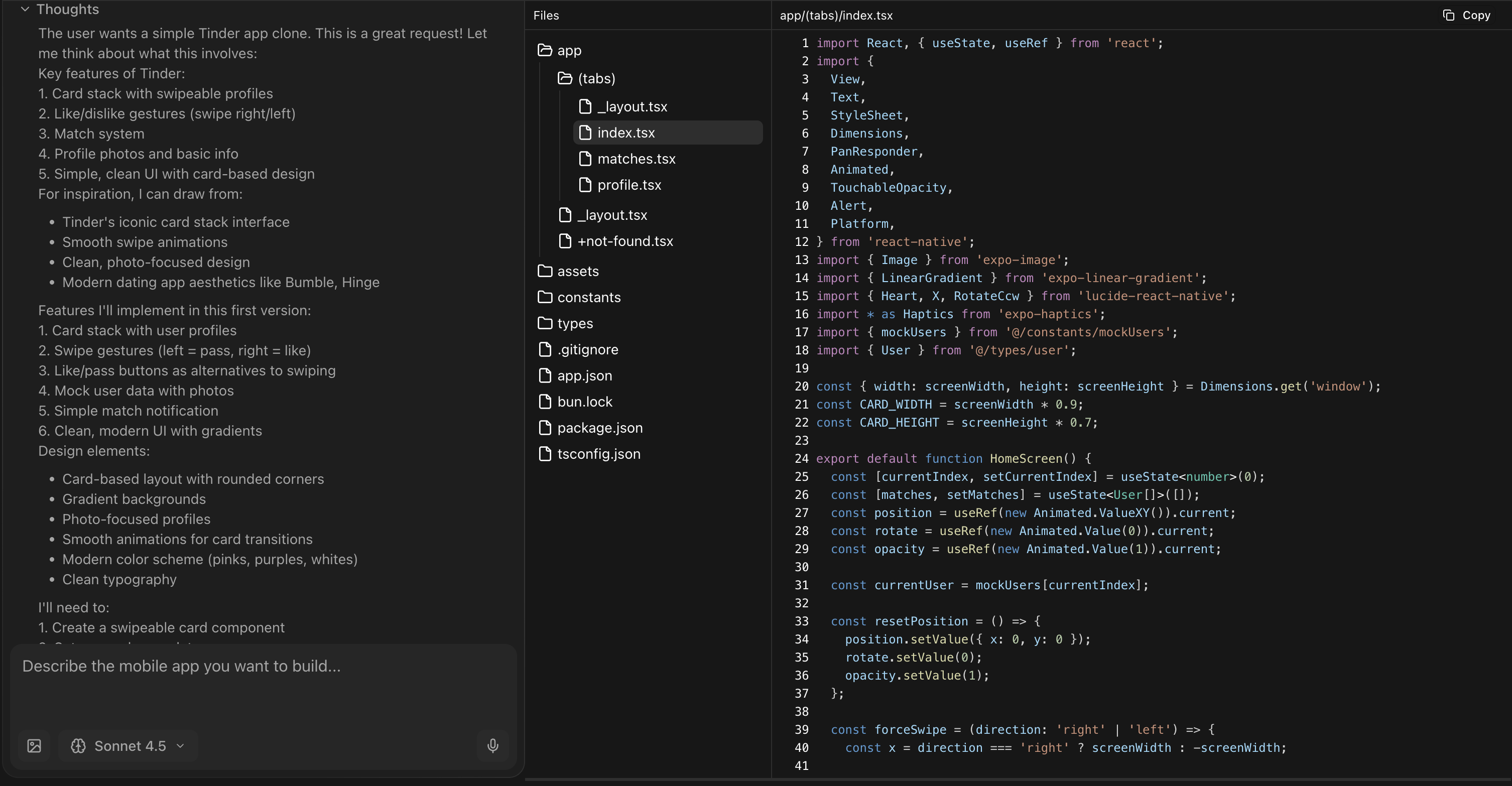
For social products, require reporting, blocking, privacy controls, moderation, safe media handling, and authorization tests before production use.
Commerce flow
| CATALOG EXAMPLE | PRODUCT EXAMPLE |
|---|---|
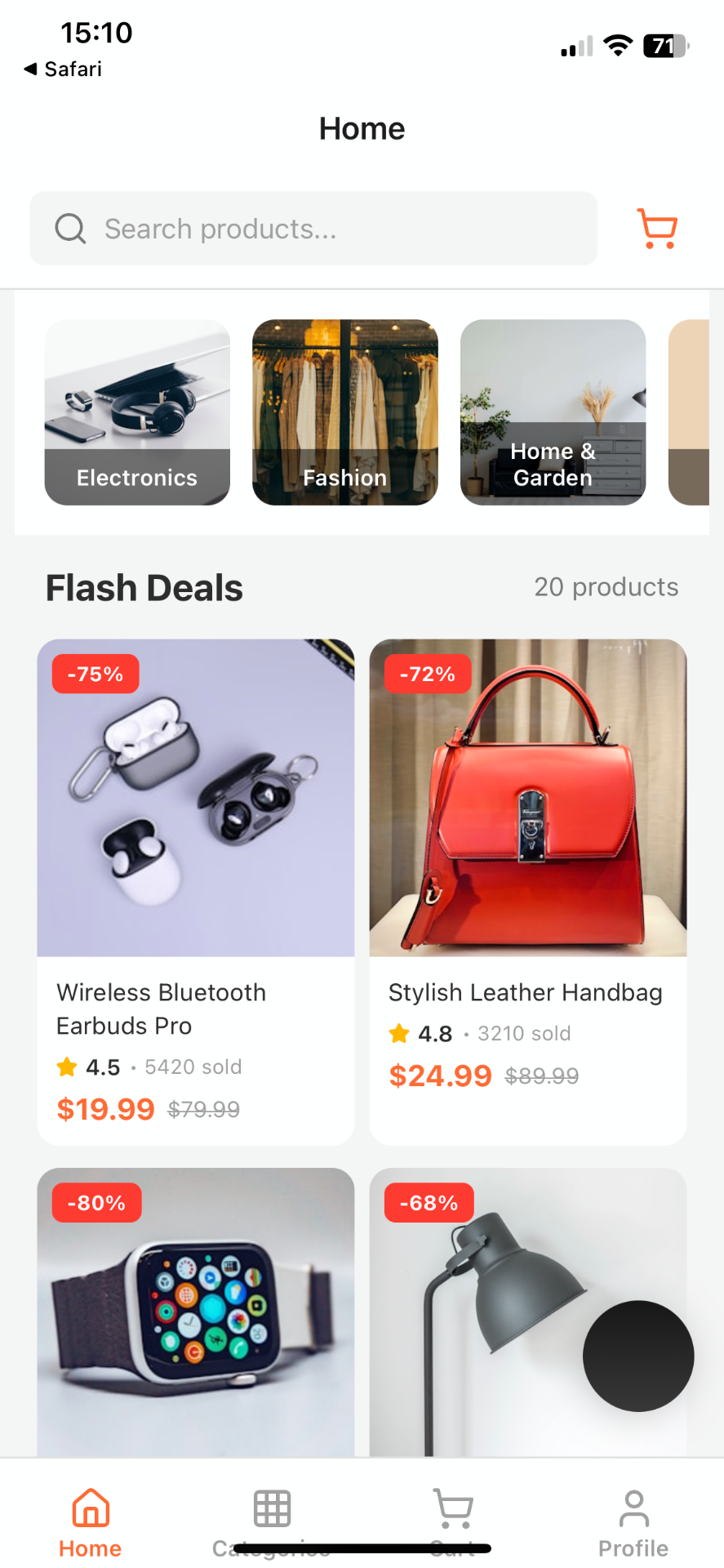 | 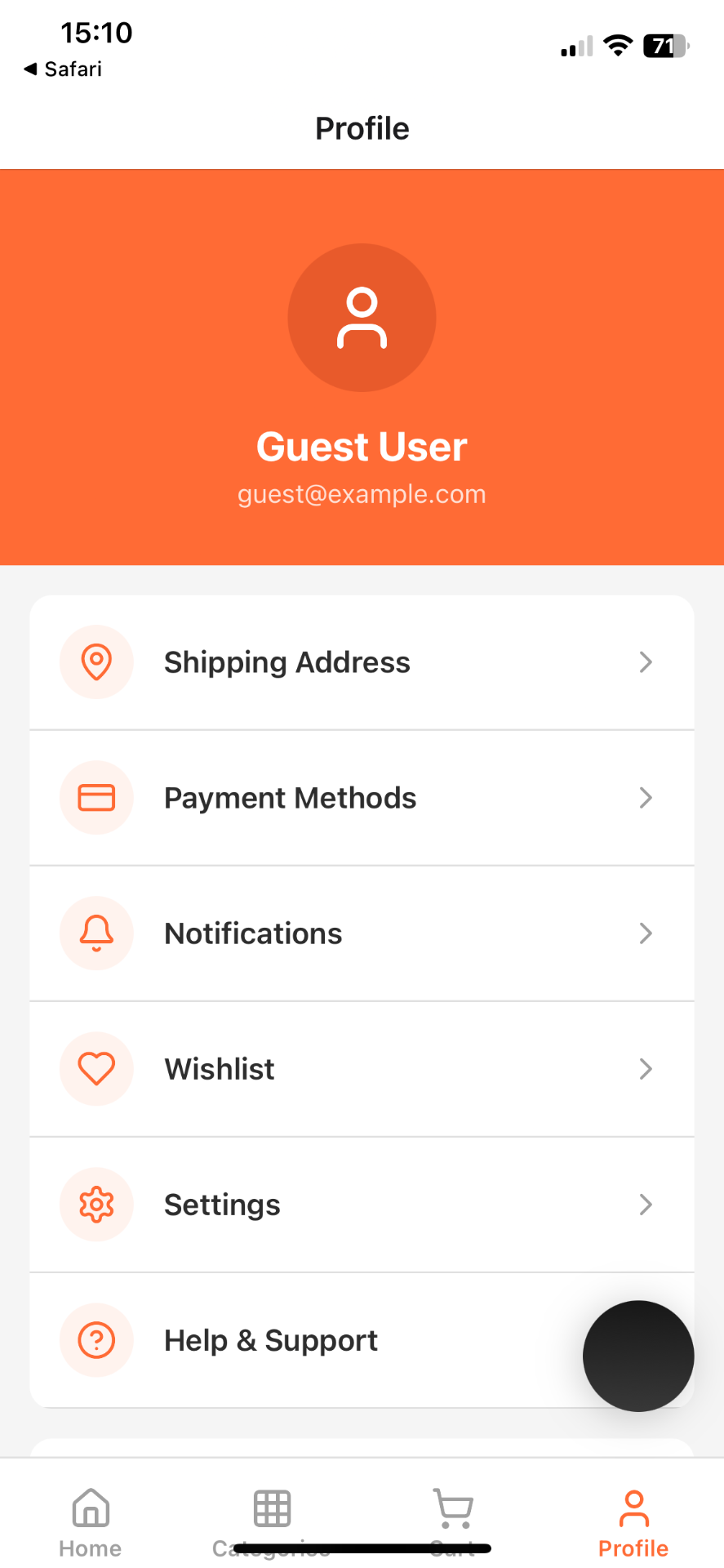 |
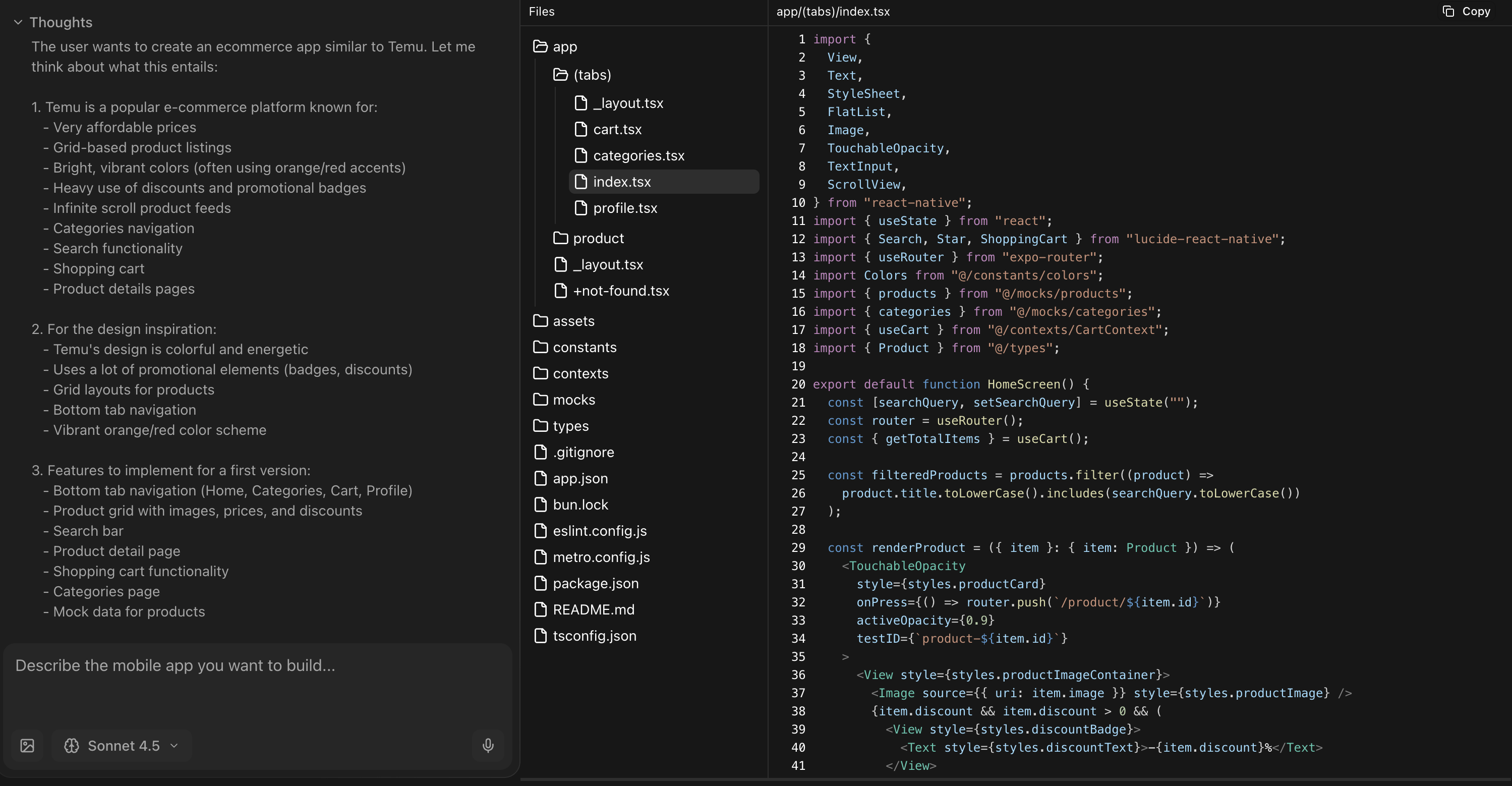
A catalog and checkout screen do not prove that inventory, taxes, payments, refunds, receipts, or purchase restoration are correct.
Product-quality checks before release
Run the generated project through the same checks as human-written code:
Security and privacy
- review dependencies and generated network calls;
- keep credentials and privileged operations on trusted servers;
- verify authorization for every data operation;
- document consent, retention, export, and deletion behavior;
- confirm analytics and crash reports do not collect sensitive data by default.
Accessibility and device coverage
- test screen readers, focus order, labels, dynamic text, contrast, and reduced motion;
- test denied permissions and alternative input paths;
- test representative iOS and Android devices, screen sizes, and OS versions;
- verify localization, long strings, and right-to-left layouts where required.
Reliability and operations
- cover core logic and critical flows with automated tests;
- test slow, failed, duplicated, and interrupted requests;
- add crash reporting and product analytics with a documented event taxonomy;
- define release, rollback, migration, and incident-response procedures;
- verify signed binaries through internal store testing before submission.
A practical decision scorecard
Score each area from 0 to 2: 0 means absent, 1 means usable with material work, and 2 means verified for your requirements.
| Area | Evidence to collect |
|---|---|
| Export and ownership | Complete source, terms, asset licenses, exit path |
| Reproducible builds | Clean install, iOS build, Android build, signed release |
| Code maintainability | Types, structure, tests, dependency health, upgrade path |
| Backend completeness | Auth, authorization, schema, migrations, operations |
| Product quality | Accessibility, localization, offline and error states |
| Security and privacy | Secret handling, data controls, disclosures, deletion |
| Release readiness | Store requirements, monitoring, rollback, ownership |
The score is not a universal ranking. It tells you whether a specific generated project is a responsible foundation for your team.
Final recommendation
Use an AI app builder to shorten exploration and scaffolding, then apply normal software due diligence. Keep the generated scope small until the exported code builds cleanly, the backend boundary is explicit, and your team can maintain the result without relying on unverified claims.
If you need a broader comparison of reusable foundations, read Best Mobile App Templates: A Practical 2026 Selection Guide.