Build, launch, and keep improving

Dopebase Blog

Practical guides for building, customizing, launching, and growing software products.

SwiftUI After WWDC26: A 2027 Release Readiness Guide

· 8 min read
Engineering Team

WWDC26 introduced SwiftUI capabilities for Apple's 2027 operating-system releases and Xcode 27. The useful question for an existing app is not “Which new modifier can we add?” It is “Which change solves a real problem, on which OS versions, with what fallback and test evidence?”

This guide turns the announcements into a bounded evaluation plan.

SwiftUI WWDC26 readiness path from Xcode 27 beta evaluation to guarded adoption

Android 17 Readiness for React Native and Expo Apps

· 8 min read
Engineering Team

Android 17 is API level 37. Preparing a React Native or Expo app for it is not one switch: running the existing app on an Android 17 device, compiling against SDK 37, and targeting API 37 are three different decisions.

This guide keeps those layers separate so a team can find compatibility issues before opting into a new target SDK.

Android 17 readiness layers for React Native and Expo applications

Flutter 3.47: What to Check Before You Upgrade

· 5 min read
Full Stack Developer

Flutter 3.47 is the current stable release, and this update changes more than a version number. Material and Cupertino are available as standalone packages, Widget Previews are stable, Impeller is the default desktop renderer, and the platform baselines are moving forward.

Use this short checklist before running flutter upgrade on an older project. The goal is to find migration work while it is still a controlled change—not after it becomes a release blocker.

React Native 0.87: A 10-Minute Upgrade Readiness Check

· 6 min read
Full Stack Developer

React Native 0.87 is now the active stable release. It makes the Strict TypeScript API the default, updates the Android build baseline, raises the minimum Node.js version, and introduces changes that can expose assumptions in older projects.

This is a practical pre-upgrade check. You can run it in about ten minutes and decide whether your project is ready, needs a small preparation pass, or should stay on its current version until a dependency catches up.

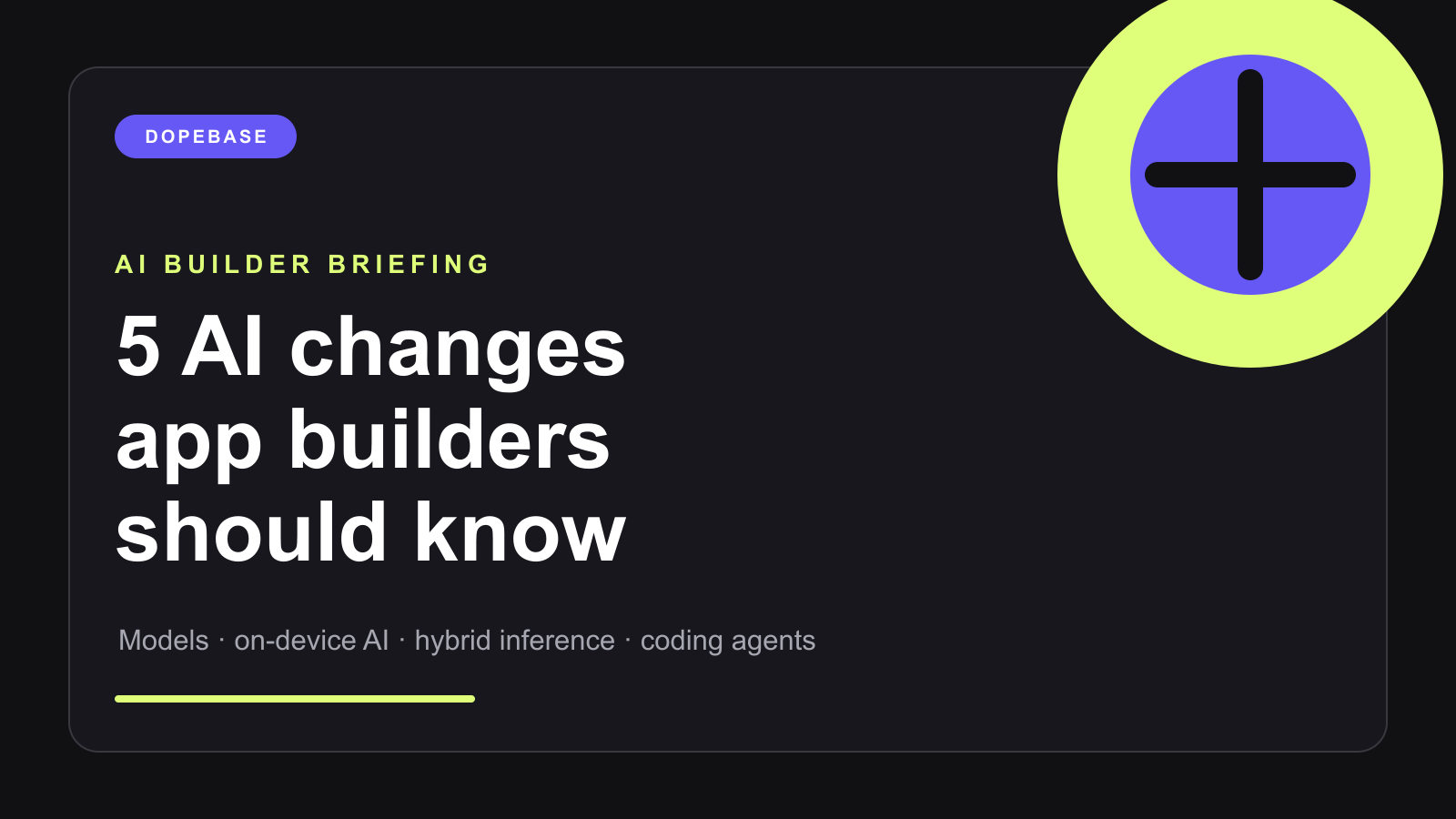
5 AI Changes App Builders Should Know

· 9 min read
Full Stack Developer

AI app development changed quickly again this summer. Frontier models became less expensive, coding agents became more capable, and the mobile platforms moved serious AI workloads closer to the device.

If you have been away from mobile development for a few months, this is the short version of what changed, what is real today, and what is worth testing in your next app.

Five AI changes for mobile app builders

How to Choose AI Use Cases and Measure Real ROI

· 6 min read
Engineering Team

The fastest way to waste money on AI is to start with the question, "Where can we add AI?" That question produces chat widgets, vague pilots, and dashboards full of activity metrics that do not change the business.

Start with a better question: "Which workflow would create measurable value if it became faster, cheaper, safer, or more consistent?" This guide gives founders, product teams, and engineering leads a practical framework for choosing AI use cases and measuring ROI without falling into AI theater.

AI use case selection and ROI framework

How to Build an AI-Ready Team Without Hiring Unicorns

· 5 min read
Engineering Team

Many businesses think they need rare AI specialists before they can ship useful AI. In reality, most teams need something more practical: product people who can identify valuable workflows, developers who can integrate AI safely, operators who can evaluate outputs, and managers who can redesign processes.

You do not need a team of unicorns to become AI-ready. You need a focused upskilling system that turns existing domain knowledge into better software workflows.

AI-ready team upskilling plan

Shadow AI vs Controlled AI: How to Reduce Risk and Increase Productivity

· 5 min read
Engineering Team

Shadow AI is not a sign that employees are reckless. It is a sign that they have work to do and the official tools are not helping enough. When the approved path is slower than copy-pasting into a public chatbot, people choose speed.

The answer is not to ban AI and hope behavior changes. The answer is controlled AI: approved workflows that are safer, faster, logged, permission-aware, and designed around the jobs employees already perform.

Shadow AI compared with controlled AI workflows

AI Change Management: How to Get Teams to Actually Use AI Tools

· 5 min read
Engineering Team

AI adoption fails when leaders treat it like a software installation. A new tool appears, a few early adopters experiment, everyone else keeps working the old way, and the company concludes that AI did not create value.

Real adoption requires change management. People need to understand which workflows should change, what good usage looks like, which risks matter, who owns the new process, and how success will be measured. The goal is not to force everyone to use AI. The goal is to make the right workflows easier, safer, and more valuable with AI in the loop.

AI change management playbook for teams

AI Integration With Legacy Systems and Undocumented APIs

· 5 min read
Engineering Team

Most businesses do not run on clean, modern, AI-friendly systems. They run on old CRMs, spreadsheets, custom databases, half-documented APIs, shared inboxes, manual approvals, and internal tools that still work well enough to be dangerous.

That does not mean AI integration is impossible. It means the integration layer matters more than the prompt. If the AI feature cannot safely read, transform, and act on legacy data, the model will create more operational mess instead of reducing it.

AI integration with legacy systems and APIs

How to Build the Right Context for AI Agents Without Hallucinations

· 5 min read
Engineering Team

AI agents fail when they act on the wrong context. The model may be capable, but it cannot safely reason over customer data, product rules, billing state, internal documents, or support history unless the application gives it the right information in the right shape.

Better context is not the same as more context. Production agents need constrained, permission-aware, current, and task-specific context. This guide shows how to design that context for mobile apps, admin panels, internal tools, and AI-powered customer workflows.

AI agent context architecture

The AI Last-Mile Problem: Why Production AI Still Fails to Create Value

· 5 min read
Engineering Team

Getting an AI demo to work is easy compared with getting AI to change a real business outcome. The last-mile problem is the gap between a model that can generate useful output and a product workflow that reliably saves time, increases revenue, improves support, or reduces operational risk.

Many AI pilots reach production and still disappoint. They are technically deployed, but employees ignore them. Customers do not trust them. Edge cases require manual cleanup. Legal, support, sales, product, and engineering all discover hidden requirements after launch.

AI last-mile production workflow

Practical product notes

Get the next useful guide

Occasional tutorials, product resources, and lessons from building and launching software.