18 posts tagged with "Expo"

Our Expo tag archive page is a treasure trove of tutorials and articles aimed at helping developers master Expo development.

View All Tags

Expo SDK Upgrade Guide: Upgrade Now, Test First, or Wait?

· 8 min read
Full Stack Developer

An Expo SDK upgrade is not just a package update. It can change the React Native version, native build tools, configuration plugins, Expo Go support, and the behavior of the iOS and Android projects generated by prebuild.

The safest decision is not always "upgrade immediately." It is the option that keeps your app buildable, testable, and recoverable. This guide gives you a repeatable way to choose between upgrading now, testing in a separate branch, or waiting for a specific blocker to be resolved.


Expo SDK upgrade decision and testing workflow

Supabase Production Checklist for React Native and Expo Apps

· 9 min read
Full Stack Developer

A React Native app can connect to Supabase in minutes. Production readiness takes more work: every exposed table needs an authorization model, mobile auth links must return to the right build, database changes need a repeatable release process, and the team needs a way to detect and recover from failures.

This checklist starts after the basic integration works. Use it before the first public release and repeat the relevant sections before major launches.

Supabase production readiness checklist for React Native and Expo

Android 17 Readiness for React Native and Expo Apps

· 8 min read
Engineering Team

Android 17 is API level 37. Preparing a React Native or Expo app for it is not one switch: running the existing app on an Android 17 device, compiling against SDK 37, and targeting API 37 are three different decisions.

This guide keeps those layers separate so a team can find compatibility issues before opting into a new target SDK.

Android 17 readiness layers for React Native and Expo applications

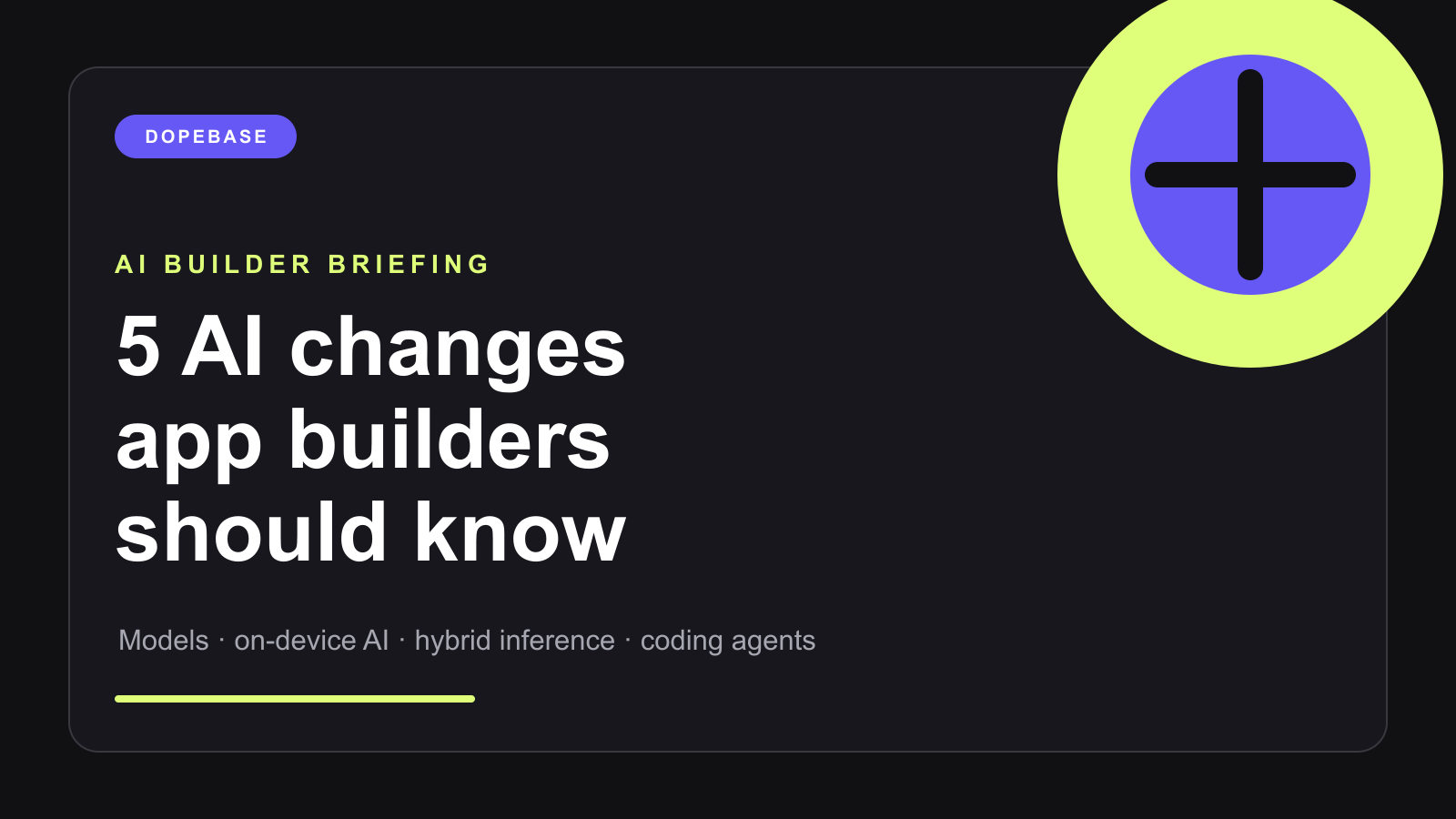
5 AI Changes App Builders Should Know

· 9 min read
Full Stack Developer

AI app development changed quickly again this summer. Frontier models became less expensive, coding agents became more capable, and the mobile platforms moved serious AI workloads closer to the device.

If you have been away from mobile development for a few months, this is the short version of what changed, what is real today, and what is worth testing in your next app.

Five AI changes for mobile app builders

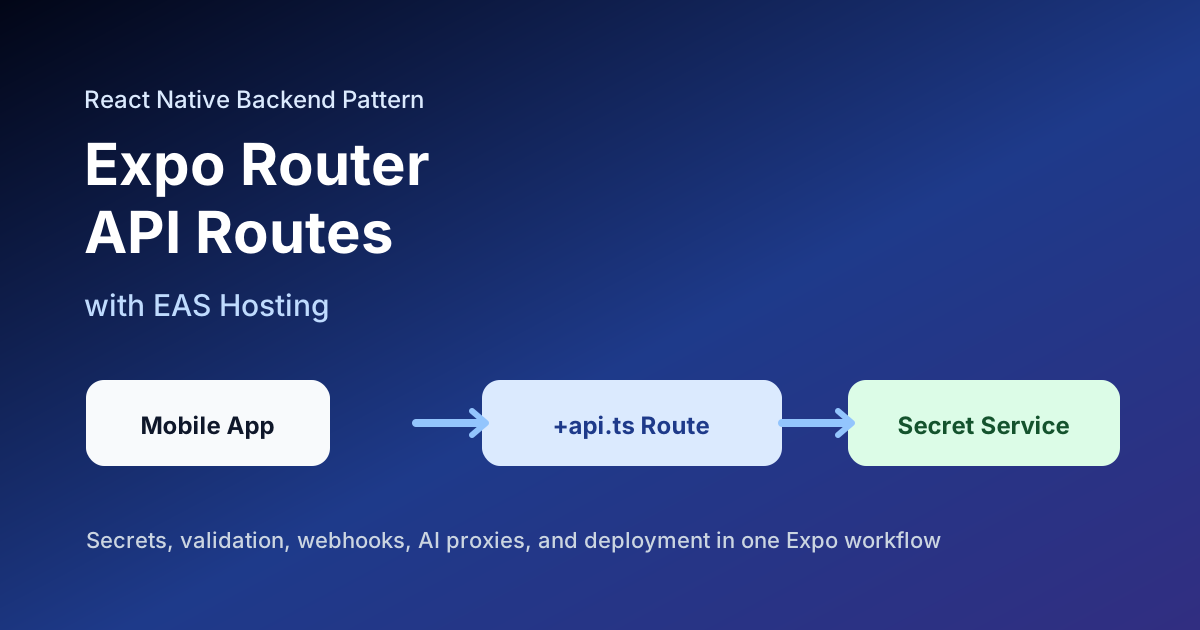
Expo Router API Routes and EAS Hosting: A Backend for React Native Apps

· 5 min read
Full Stack Developer

Expo Router API routes give React Native teams a practical middle ground between "everything is client-side" and "we need a separate backend project before we can ship." With EAS Hosting, those routes can be deployed alongside an Expo Router web app and used for server-side work such as secrets, validation, webhooks, AI calls, and small backend endpoints.

Expo Router API routes and EAS Hosting backend architecture

React Native and Expo Updates: September 2026

· 8 min read
Full Stack Developer

The September 2026 mobile-development baseline is clearer than it was earlier this year. React Native 0.87 advances native build requirements and makes the Strict TypeScript API the default. Expo SDK 57 provides a separate, slightly earlier React Native baseline. Google Play's target API deadline now affects new app submissions and updates.

This briefing separates those facts so production teams can plan upgrades without treating every ecosystem release as one migration.

React Native and Expo ecosystem updates across architecture, observability, builds, and store policy

How to Evaluate an AI React Native App Builder

· 8 min read
Full Stack Developer

Example interface from an AI React Native app builder

AI app builders can turn a product description into screens, navigation, and a React Native or Expo project quickly. That makes them useful for exploring an idea. It does not make every generated project production-ready.

This guide explains how to evaluate the generated result: what to inspect, which claims to verify, and where engineering work still begins after the first prompt.

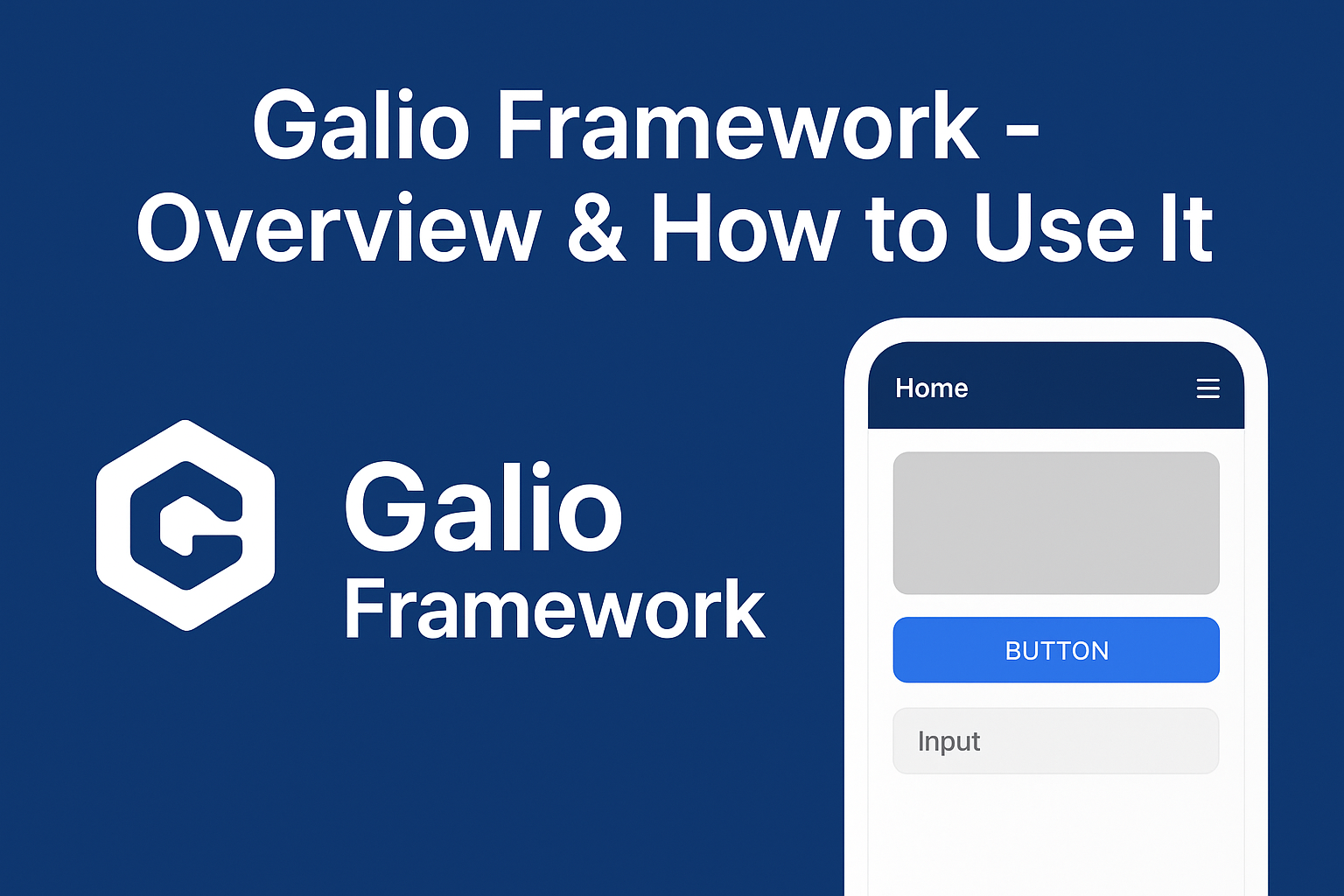
Galio Framework - Overview & How to Use It

· 11 min read
Full Stack Developer

galio react native framework

Galio is a UI toolkit and component framework for React Native that provides a consistent set of ready-made, themeable building blocks (buttons, cards, text, inputs, nav bars, etc.) so you can prototype and ship mobile UIs faster. The galio repository includes the core components and a lightweight theme system in src/theme (see colors.tsx, sizes.tsx, index.tsx) plus components under src/ such as Block, Button, Text, Input, Card, Avatar, NavBar and more.

Learn more on the official site: galio.io and browse the source and examples on GitHub: github.com/galio-org/galio.

Debugging Network Requests in React Native: Fetch, Axios, and DevTools

· 6 min read
Mobile Developer

Debugging React Native network requests

Network bugs in React Native usually fall into a few categories: the request never leaves the device, the server rejects it, the response shape is different from what the app expects, or the UI keeps using stale data. The fastest way to debug them is to inspect the request, log safely, reproduce on the platform that fails, and verify the server-side trace.

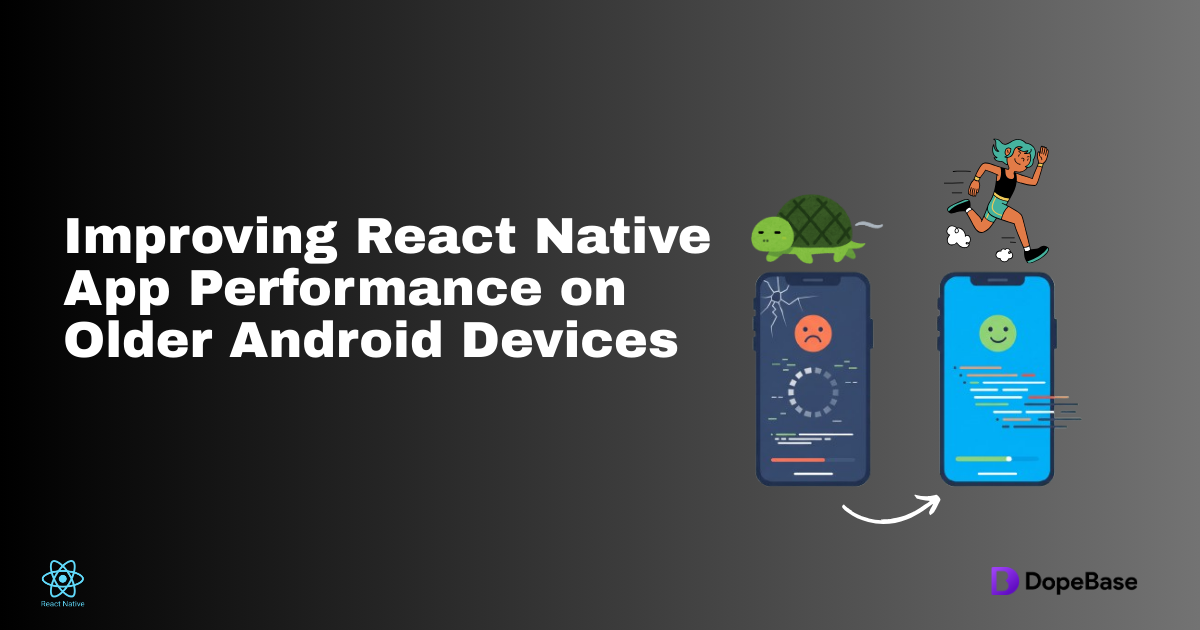
Improving React Native App Performance on Older Android Devices

· 6 min read
Mobile Developer

Improving React Native performance on older Android devices

Older Android phones expose every expensive choice in a React Native app: heavy startup work, oversized images, slow lists, chatty network calls, JS-thread animations, and debug-only assumptions. The goal is not to chase one magic setting. The goal is to measure on real hardware, reduce work on the critical path, and ship a release build that keeps memory, CPU, and frame time under control.

React Native Upgrade Guide: Fixing Breaking Changes and Dependency Issues

· 6 min read
Mobile Developer

React Native upgrade guide

React Native upgrades are safest when you treat them as a controlled migration, not a package bump. The work spans JavaScript dependencies, native iOS and Android project files, Expo modules, build tooling, runtime versions, and QA. This guide gives you an evergreen upgrade path that works for bare React Native apps, Expo apps, and production templates.

Practical product notes

Get the next useful guide

Occasional tutorials, product resources, and lessons from building and launching software.