From Data Silos to a Single Source of Truth: The Architecture That Makes AI Work
AI becomes useful when it can see the same business reality your team sees. That is hard when customer records live in a CRM, invoices live in billing, support history lives in a help desk, product events live in analytics, and internal policies live in scattered documents.
The result is familiar: the AI gives partial answers, misses context, violates permissions, or forces employees to paste private data into a chat window. A single source of truth does not mean putting every byte in one database. It means designing a trusted layer where business entities, permissions, events, and knowledge can be resolved consistently.
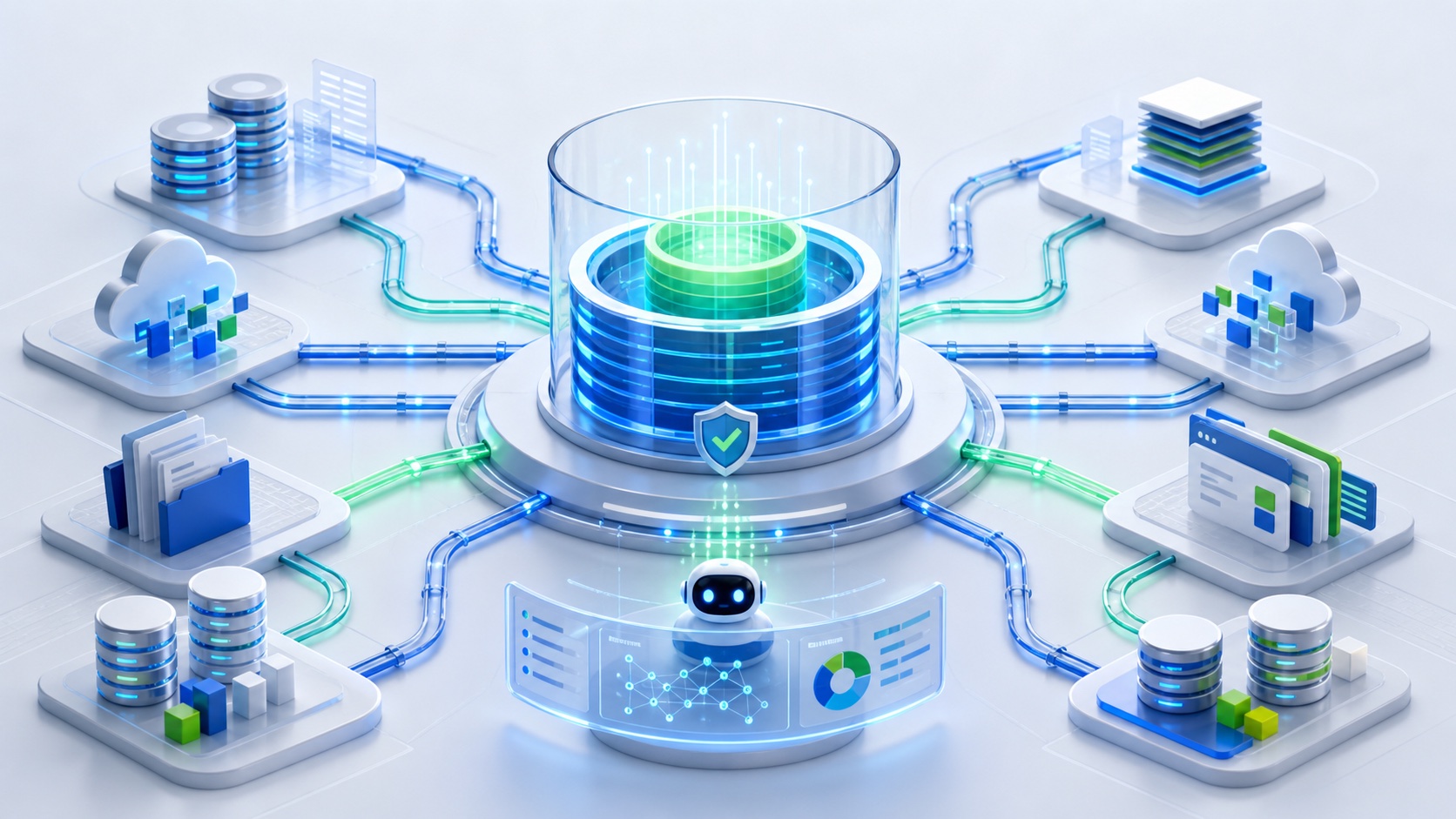
What a single source of truth means for AI
For AI products, a single source of truth has three jobs:
- identify the authoritative record for each business object;
- expose the right context to the right workflow;
- keep derived systems synchronized without losing permissions.
This layer may combine a relational database, event stream, document index, vector store, and app backend. The key is not the number of tools. The key is whether the AI can answer: "Which record is true, can this user access it, and how fresh is it?"
Why data silos break AI features
Silos create four recurring problems.
First, duplicate objects confuse the model. If the CRM and billing system disagree about account status, the AI may choose the wrong one.
Second, permissions drift. A support agent may be allowed to see ticket history but not payment details. If retrieval ignores that boundary, the AI becomes a data leak.
Third, stale data creates false confidence. A document updated last quarter may be unsafe for a policy answer today.
Fourth, product workflows become brittle. Every new AI feature needs custom integrations, one-off prompts, and manual cleanup.
Reference architecture
A practical AI-ready architecture usually includes these layers:
| Layer | Purpose | Example |
|---|---|---|
| Source systems | Own operational records | CRM, billing, app DB, support desk |
| Sync layer | Moves changes reliably | Webhooks, queues, scheduled jobs |
| Canonical data model | Defines shared entities | Account, user, order, ticket |
| Access layer | Applies permissions | Role, tenant, plan, region |
| Retrieval layer | Finds relevant context | SQL, search, vector index |
| AI orchestration | Builds prompts and calls tools | Agent service, backend function |
| Product UI | Shows results and review states | Mobile app, admin panel, dashboard |
The architecture should be boring. Boring is good. It means the team can debug it under pressure.
Start with the canonical entities
Choose a small set of entities that your AI workflows need. For a SaaS or mobile product, this often includes:
- account;
- user;
- workspace;
- subscription;
- order;
- message;
- ticket;
- document;
- task.
Each entity should have a stable ID, owner, source system, lifecycle state, and permission model. Avoid letting every integration invent its own shape.
In a mobile app, the canonical layer protects the client from backend complexity. The app asks for currentUserEntitlements; the backend decides whether those entitlements come from Stripe, RevenueCat, App Store Server Notifications, or an internal admin override.
Use event-driven sync where freshness matters
AI features that depend on status should not rely only on nightly exports.
Use events for changes such as:
- subscription started or canceled;
- user role changed;
- ticket escalated;
- order refunded;
- document approved;
- account suspended.
For less urgent knowledge, scheduled sync can be enough. A product FAQ might refresh hourly. A billing status should refresh immediately.
The rule is simple: if a stale answer would harm the user or business, sync the change as an event.
Combine relational and vector retrieval
A vector store is useful for unstructured documents, but it is not a complete source of truth.
Use relational queries for:
- permissions;
- account status;
- subscription plans;
- inventory;
- workflow state;
- audit logs.
Use search or vector retrieval for:
- support articles;
- policy documents;
- product documentation;
- prior conversations;
- long-form notes.
Then assemble context in the backend. The model should receive a concise, permission-filtered packet, not raw access to every data source.
Build the admin controls early
AI systems need operational controls:
- sync status by source;
- failed event retries;
- document approval status;
- prompt and tool version history;
- user feedback;
- access logs;
- human review queues.
This is why pairing AI with an admin panel is powerful. Dopebase customers can use All Access to start from app and admin foundations, then adapt the workflow with custom API development or AI integration services.
Migration playbook
If your business already has silos, use this sequence:
- Pick one AI use case.
- List the entities it needs.
- Choose one authoritative source per entity.
- Build sync for only those records.
- Add permission filtering before retrieval.
- Create a small admin view for sync health.
- Test with real edge cases.
- Expand to the next workflow.
Do not announce a company-wide "single source of truth" project before one workflow proves value. Big data-platform projects often lose momentum when they are not tied to a shipped product outcome.
Key takeaways
- A single source of truth is a trusted context layer, not necessarily one database.
- AI needs canonical entities, freshness, provenance, and permissions.
- Use relational data for truth and vector retrieval for unstructured context.
- Start with one workflow and expand after it works.
- Admin tooling is part of the architecture, not an afterthought.
FAQ
Does AI require a vector database?
Not always. A vector database helps with unstructured retrieval, but many AI workflows need normal database queries, permissions, and business rules more than semantic search.
What is the first data silo to fix?
Fix the silo that blocks the highest-value AI workflow. For many teams, that is the gap between product data, customer status, and support history.
How do I keep a single source of truth from becoming another silo?
Keep ownership clear, sync changes automatically, expose health metrics, and treat the canonical model as a product interface rather than an internal dump.
Related Dopebase resources
- Dopebase Products
- AI Skills
- Custom API development
- Database migration services
- React Native REST API integration
If your team needs to connect app data, admin workflows, and AI features around one reliable architecture, start with Dopebase All Access or plan a scoped build through custom development.