How to Choose AI Use Cases and Measure Real ROI
The fastest way to waste money on AI is to start with the question, "Where can we add AI?" That question produces chat widgets, vague pilots, and dashboards full of activity metrics that do not change the business.
Start with a better question: "Which workflow would create measurable value if it became faster, cheaper, safer, or more consistent?" This guide gives founders, product teams, and engineering leads a practical framework for choosing AI use cases and measuring ROI without falling into AI theater.
The wrong way to choose AI projects
Weak AI project selection usually looks like this:
- choose a tool before choosing a workflow;
- start with novelty instead of pain;
- pick data that is not ready;
- automate high-risk decisions too early;
- measure prompts, tokens, or demos instead of outcomes;
- run pilots without an owner;
- never define what success means.
The result is predictable: the company has AI activity but not AI value.
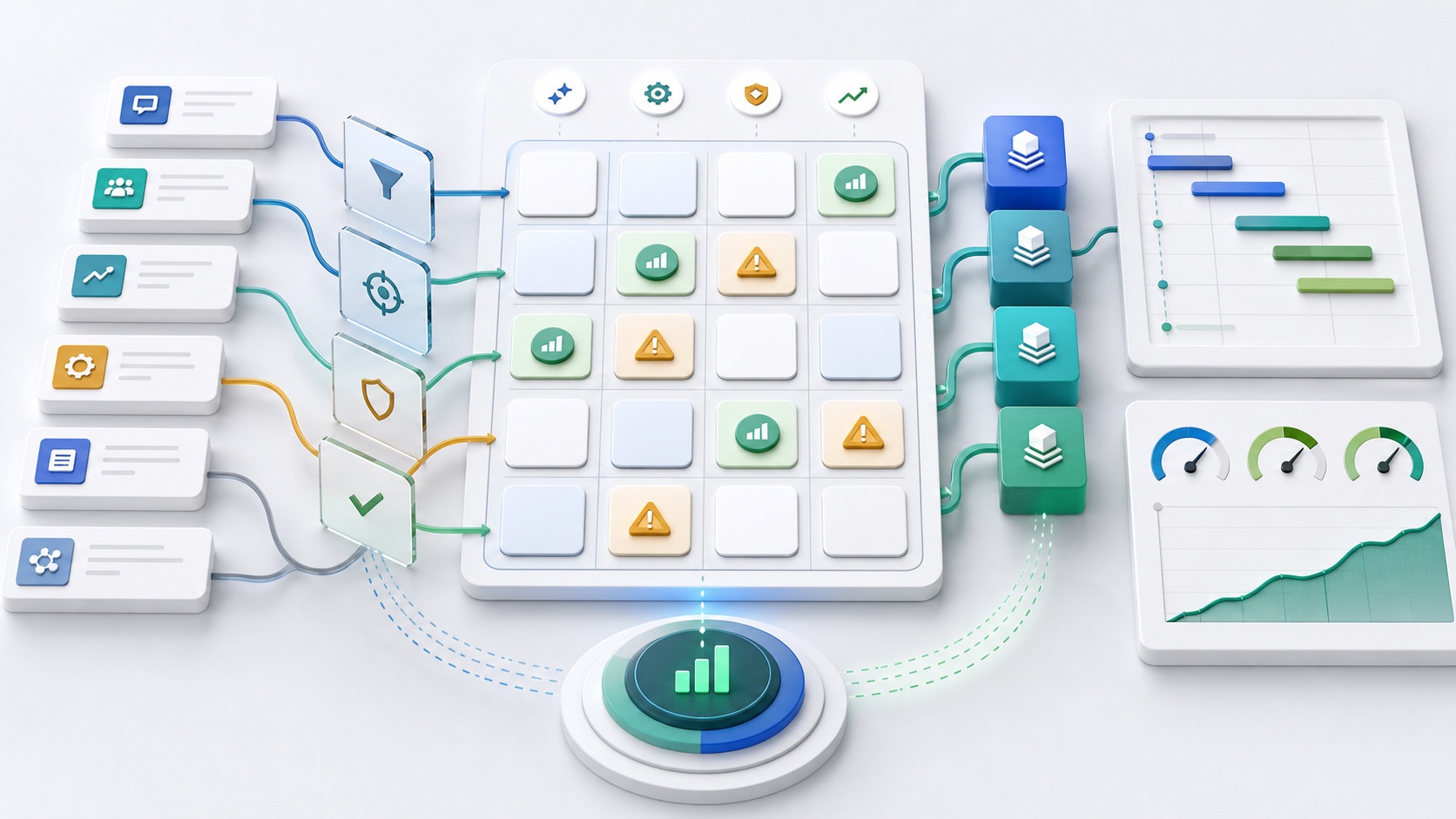
The AI use-case scorecard
Score every candidate from 1 to 5 across four dimensions.
| Dimension | Question | High score means |
|---|---|---|
| Impact | What business outcome improves? | Revenue, retention, cost, speed, quality, or risk changes clearly |
| Feasibility | Can we implement this with current systems? | Data, APIs, team skills, and workflow access exist |
| Data readiness | Is the context reliable? | Data is clean, fresh, permissioned, and explainable |
| Risk | What can go wrong? | Failure is reversible, reviewable, and low-impact |
Start with high impact, high feasibility, high data readiness, and manageable risk. Avoid high-risk automation until your team has operational maturity.
Strong first AI use cases
Good early candidates often include:
- support ticket summarization;
- help center answer drafting;
- sales call note cleanup;
- product feedback clustering;
- QA test case generation;
- internal knowledge search;
- admin report generation;
- onboarding checklist assistance;
- low-risk content transformation;
- developer workflow acceleration.
These workflows are frequent, measurable, and usually easy to review.
Use cases to delay
Delay AI use cases where:
- the action is irreversible;
- the data is not reliable;
- legal or compliance exposure is high;
- the workflow has unclear ownership;
- the model must make a final decision without review;
- failure would harm customers or revenue.
For example, an AI assistant can draft a refund recommendation before it should automatically issue refunds. It can summarize a legal clause before it should approve contract changes.
Define ROI before the pilot
AI ROI should connect to business outcomes.
Useful metrics:
- minutes saved per task;
- tickets resolved per support rep;
- quality review score;
- conversion rate lift;
- onboarding completion rate;
- churn reduction;
- revenue recovered;
- manual errors reduced;
- engineering cycle time;
- customer response time.
Weak metrics:
- number of prompts;
- number of tokens;
- number of tools tested;
- number of employees with accounts;
- number of AI meetings.
Activity can help debug adoption, but it is not the ROI.
A simple ROI calculation
Use this baseline:
Monthly value =
  (tasks per month x minutes saved per task x loaded hourly cost / 60)
  + revenue gained
  + avoidable cost reduced
  - monthly AI and maintenance cost
Then add a confidence level. A rough but honest model is better than a precise fantasy.
Example:
- 2,000 support tickets per month;
- 4 minutes saved per ticket;
- $45 loaded hourly cost;
- $600 monthly AI and maintenance cost.
(2,000 x 4 x 45 / 60) - 600 = $5,400 estimated monthly value
That estimate still needs quality review. If faster answers create more escalations, the ROI is overstated.
Pilot to scale checklist
Before scaling an AI use case, verify:
- The workflow owner accepts the output quality.
- Users prefer the AI-assisted path.
- Data sources are reliable enough.
- Permissions are enforced.
- High-risk cases escalate.
- Metrics improved versus baseline.
- Maintenance cost is understood.
- Support can handle incidents.
- The feature can be paused quickly.
This is how you avoid "AI theater" and move toward operational value.
Where Dopebase fits
For many teams, the expensive part is not the model call. It is building the app, admin panel, backend, auth, data model, role controls, and workflow UI around the AI.
That is where reusable foundations matter:
- Dopebase Products provide app foundations across React Native, Flutter, Kotlin, Swift, and admin panels.
- AI Skills help compatible coding agents work with project-specific workflows.
- All Access brings the product library, guidance, updates, and support together.
- Custom development helps when the workflow, integrations, and ROI model need dedicated engineering.
Key takeaways
- Start with workflows, not tools.
- Score AI use cases by impact, feasibility, data readiness, and risk.
- Measure business outcomes, not token usage.
- Start with reviewable, high-frequency tasks.
- Scale only after quality, adoption, and ROI are visible.
FAQ
What is a good first AI use case?
A good first AI use case is frequent, measurable, low risk, easy to review, and connected to a painful workflow. Support summaries, internal search, QA assistance, and feedback clustering are common starting points.
How do you measure AI ROI?
Measure time saved, cost reduced, revenue gained, quality improved, or risk reduced. Subtract tool and maintenance cost. Then validate the result with quality review and user adoption data.
What is AI theater?
AI theater is visible AI activity without measurable business improvement. It often includes demos, chat widgets, and usage dashboards that do not connect to customer, revenue, cost, or quality outcomes.
Related Dopebase resources
- The AI Last-Mile Problem: Why Production AI Still Fails to Create Value
- How to Launch a Mobile App MVP in Under 48 Hours Using AI-Native Templates
- AI integration services
- Automation workflow services
- Dopebase All Access pricing
If you want AI projects tied to real product outcomes, start with Dopebase All Access or scope a workflow with custom development.