How to Build an AI-Ready Team Without Hiring Unicorns
Many businesses think they need rare AI specialists before they can ship useful AI. In reality, most teams need something more practical: product people who can identify valuable workflows, developers who can integrate AI safely, operators who can evaluate outputs, and managers who can redesign processes.
You do not need a team of unicorns to become AI-ready. You need a focused upskilling system that turns existing domain knowledge into better software workflows.
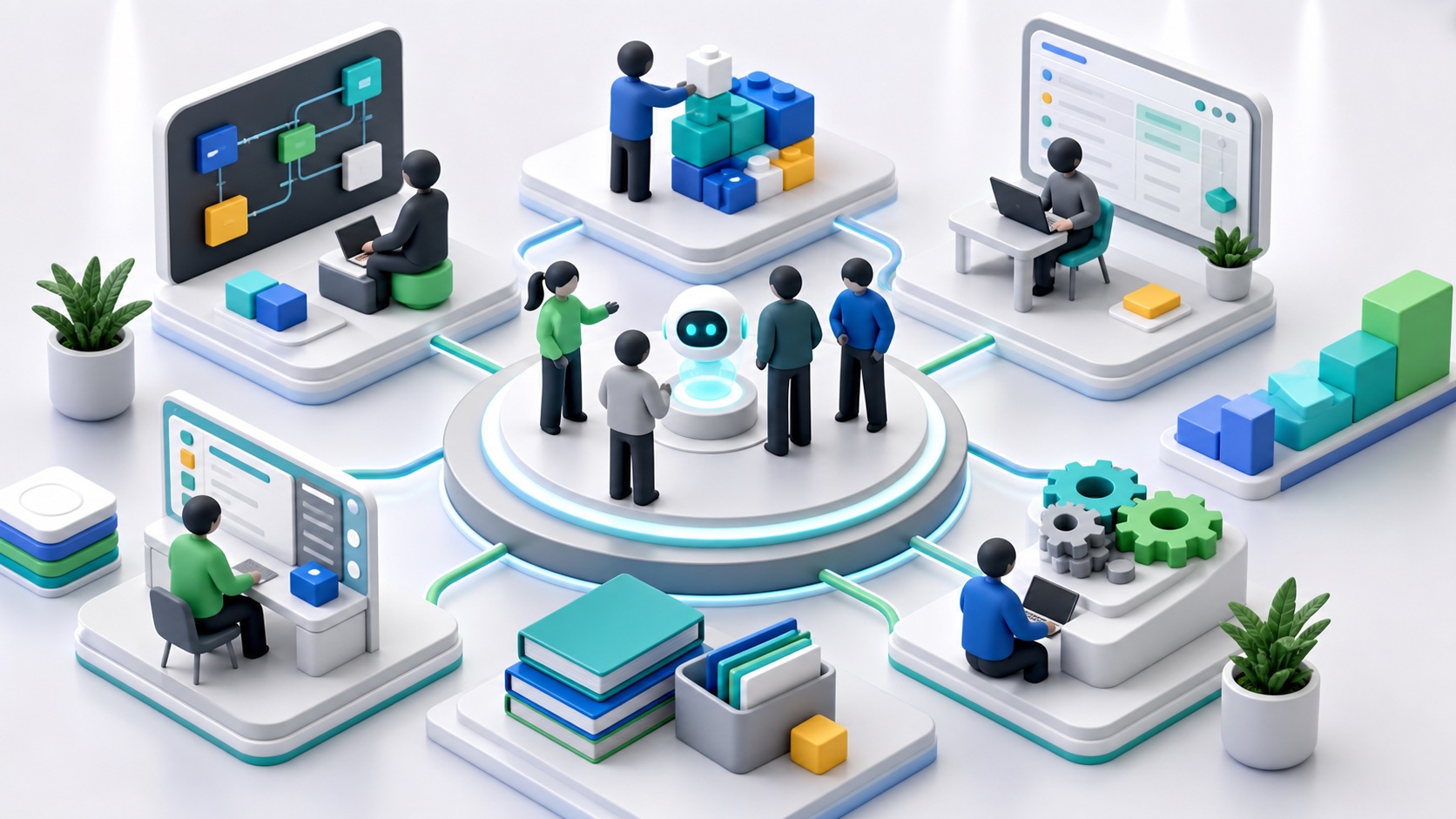
What AI-ready actually means
An AI-ready team can:
- identify workflows where AI can improve outcomes;
- prepare data and context;
- use AI coding and product tools responsibly;
- evaluate outputs instead of accepting them blindly;
- design human review for high-risk actions;
- maintain prompts, retrieval, and integrations;
- measure value after launch.
This is broader than prompt engineering. Prompting is useful, but production AI also needs data, architecture, security, UX, and change management.
The core skills by role
Founders and product leads
They need to learn:
- use-case selection;
- AI product scope;
- workflow design;
- ROI measurement;
- risk levels;
- adoption planning.
Their job is to decide where AI should create value and where it should not be used.
Engineers
They need to learn:
- server-side model calls;
- retrieval patterns;
- tool calling;
- permission filtering;
- prompt and response versioning;
- evals;
- observability;
- secure handling of secrets.
Their job is to make AI reliable inside the product architecture.
Operators and support teams
They need to learn:
- safe data usage;
- output review;
- escalation rules;
- feedback tagging;
- knowledge base maintenance;
- prompt template usage.
Their job is to turn AI into better daily execution.
Managers
They need to learn:
- workflow redesign;
- training plans;
- adoption metrics;
- quality review;
- role ownership;
- policy communication.
Their job is to keep the rollout from becoming random experimentation.
A 4-week AI upskilling plan
Week 1: Shared baseline
- Explain approved AI tools and data rules.
- Show examples of good and bad AI usage.
- Pick one workflow per team.
- Define the business outcome.
Week 2: Role-specific practice
- Product writes workflow specs.
- Engineering builds a small backend-controlled AI flow.
- Operations reviews outputs and tags mistakes.
- Managers document adoption blockers.
Week 3: Production thinking
- Add permissions.
- Add logs.
- Add review states.
- Add source citations where useful.
- Test edge cases and denial cases.
Week 4: Measurement and rollout
- Compare before and after metrics.
- Create reusable templates.
- Assign ownership.
- Decide whether to scale, pause, or redesign.
This rhythm builds capability through shipped work, not lectures.
Use AI to accelerate learning
AI can help people learn faster, but only with guardrails.
Good uses:
- explain unfamiliar code;
- draft test cases;
- summarize documentation;
- compare architecture options;
- generate migration checklists;
- turn meeting notes into tasks.
Risky uses:
- accepting generated code without review;
- pasting secrets or customer data;
- letting AI make irreversible decisions;
- using AI explanations as the only source of truth;
- skipping tests because the output looks confident.
For developers working with app foundations, AI Skills are designed to give compatible agents project-aware procedures instead of generic advice.
New roles do not need to be new hires
You may need new responsibilities before you need new people.
Common AI-era responsibilities:
- AI product owner;
- AI workflow owner;
- knowledge base owner;
- eval owner;
- AI security reviewer;
- forward deployed engineer;
- automation lead.
In a small team, one person may wear multiple hats. Make the responsibility explicit anyway.
How to measure progress
Track:
- number of workflows mapped;
- number of approved AI workflows shipped;
- accepted vs edited AI outputs;
- repeated error types;
- time saved per workflow;
- training completion by role;
- security policy violations;
- user satisfaction;
- business outcome improvement.
Do not measure only "people used AI." Measure whether the team became better at delivering useful work.
Key takeaways
- AI readiness is a team capability, not one specialist hire.
- Prompting is only one part of production AI work.
- Upskill through real workflows, not abstract training.
- Assign ownership for data, prompts, evals, and adoption.
- Measure business outcomes and capability growth together.
FAQ
Do we need to hire AI engineers before integrating AI?
Not always. Many teams can start by upskilling existing product, engineering, and operations people around one specific workflow. Specialist help becomes useful when the architecture, security, or integration scope grows.
What AI skills should developers learn first?
Start with backend model calls, context assembly, retrieval, permission filtering, structured outputs, evals, and observability. These skills matter more than memorizing prompt tricks.
How do you train non-technical teams on AI?
Use role-specific examples, clear data rules, review workflows, and before-and-after metrics. Non-technical teams need safe patterns for their own work, not generic AI theory.
Related Dopebase resources
- AI Skills
- The Purple Blueprint and All Access
- What is Vibe Coding?
- Future-Proofing Flutter Development: The Evolution of AI Coding Tools
- Custom AI integration services
If your team wants to learn by building, Dopebase All Access provides app foundations and AI Skills, while custom development helps when you need expert implementation beside your team.