12 posts tagged with "Security"

Our 'Security' tag archive encompasses a wide range of articles and tutorials, providing insights into the latest security practices and trends.

View All Tags

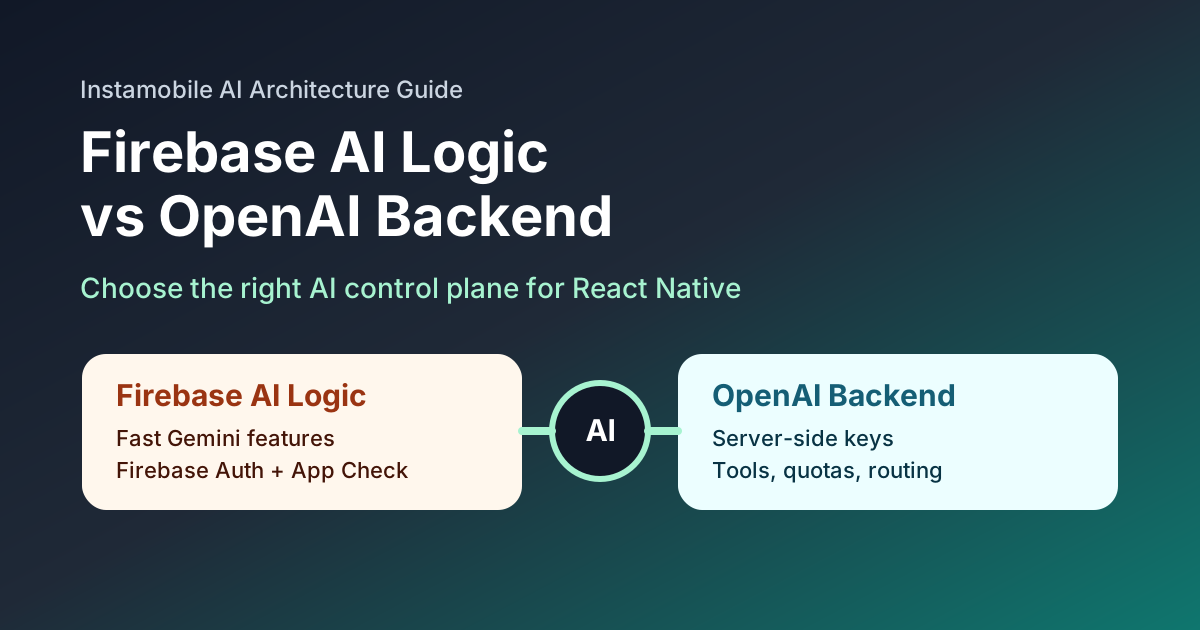
Firebase AI Logic vs OpenAI Backend for React Native AI Apps

· 6 min read
Full Stack Developer

React Native teams now have two practical ways to add serious AI features to a mobile app:

  • call Gemini models through Firebase AI Logic from a Firebase-aware app;
  • keep AI orchestration on your own backend and call OpenAI from the server.

Both approaches can be correct. The wrong choice is usually the one that ignores secrets, user identity, App Store release cycles, cost controls, and how quickly your AI product will evolve.

Comparison of Firebase AI Logic and OpenAI backend architecture for React Native

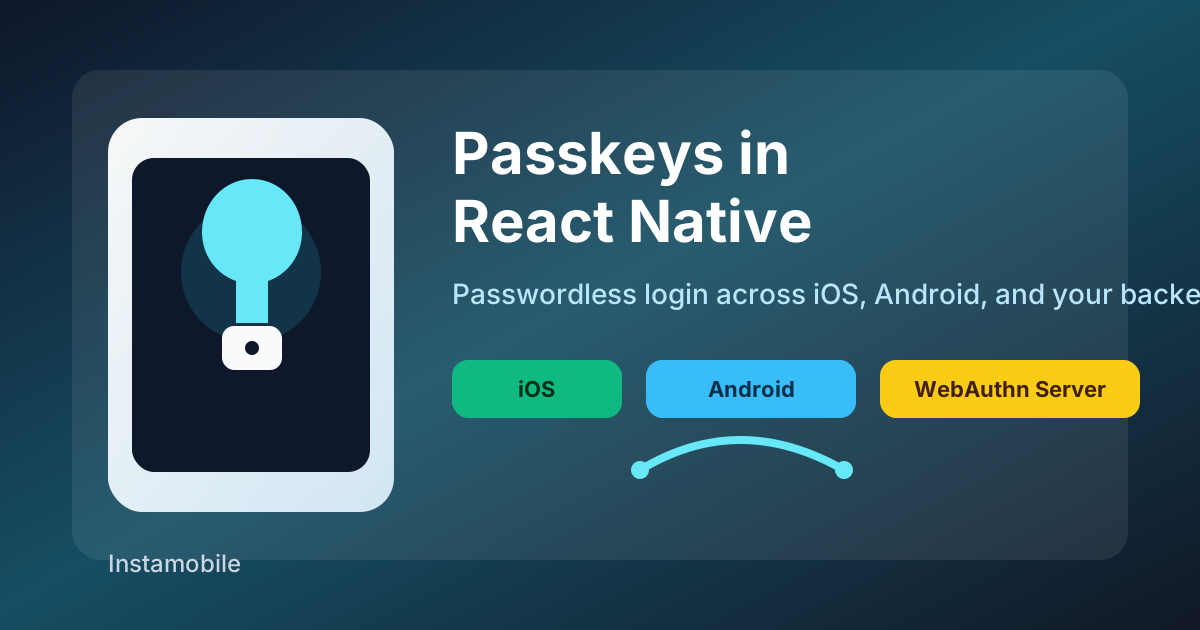
Passkeys in React Native: Passwordless Login on iOS and Android

· 6 min read
Full Stack Developer

Passkeys are becoming the default answer to a long-standing mobile product problem: users dislike passwords, password reset flows are expensive, and weak credentials create security risk that your app has to absorb later.

For React Native teams, passkeys are not just a new login button. A production implementation touches native platform APIs, your backend authentication model, domain association files, account recovery, QA devices, and store release testing.

Passkey authentication architecture for React Native apps

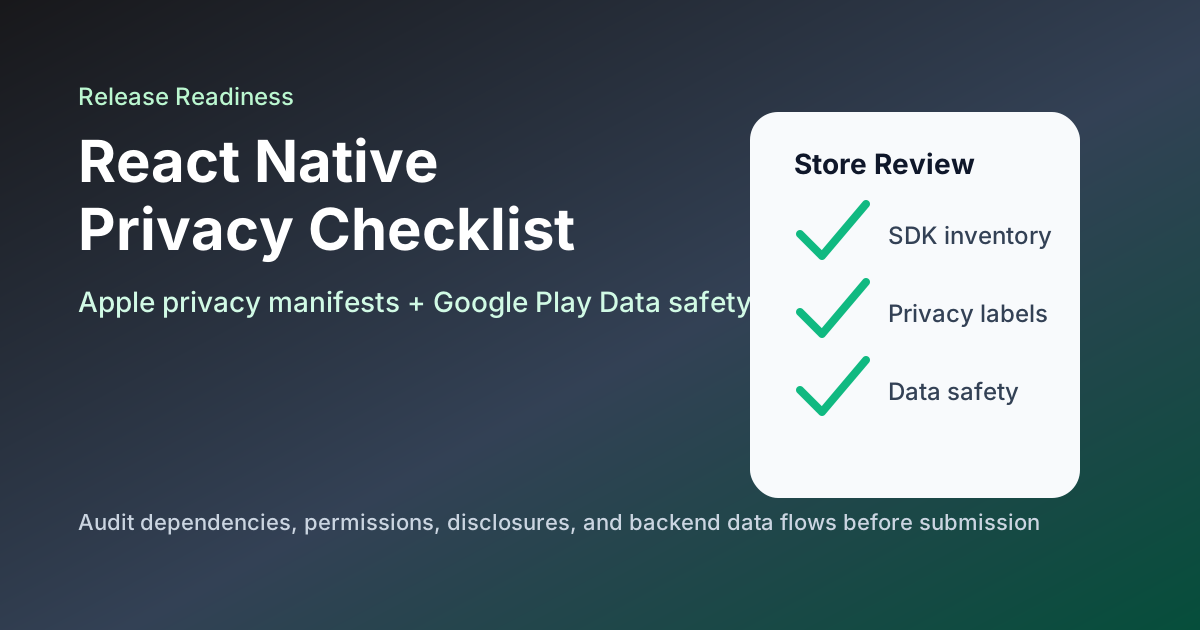
React Native App Store Privacy Checklist 2026: Apple and Google Play

· 6 min read
Full Stack Developer

Privacy review is now part of mobile engineering, not just legal paperwork. React Native apps ship with native SDKs, analytics tools, crash reporters, payment providers, push notification services, authentication providers, and backend integrations. Every one of those can affect what you must disclose to Apple and Google Play.

React Native app store privacy checklist for Apple and Google Play

What LiteLLM Means for React Native App Teams

· 7 min read
Full Stack Developer

According to the official LiteLLM docs, LiteLLM can act as a Python SDK or as a proxy server that exposes 100+ models through an OpenAI-compatible format. The same docs highlight routing and fallbacks, spend tracking, budgets, virtual keys, logging, and rate limiting. That is exactly why tools like LiteLLM are showing up in more production stacks for AI chat, search, recommendations, and assistant features.

For React Native teams, that also means an AI gateway is no longer just backend plumbing. It is part of your release architecture. If the gateway is exposed, misconfigured, or compromised, your app can leak provider access, burn through budget, or break a core feature without a new binary release ever going through the App Store or Play Store.

LiteLLM and React Native AI app architecture

Zero-Trust Security in Mobile Apps: A 2026 Implementation Guide for Fintech and E-commerce

· 5 min read
Full Stack Developer

Zero-Trust Security in Mobile Apps cover

In an era of AI-assisted fraud and automated attack tooling, the old "password + perimeter" model is no longer enough.

The zero-trust principle is simple and brutal: never trust, always verify. NIST defines zero trust as an architecture where no implicit trust is granted based on network location or asset ownership, and where authentication and authorization are continuously enforced for users and devices.

For fintech and e-commerce, this is not a nice-to-have feature. Security decisions directly affect conversion, retention, and brand trust.

The good news: you do not need to build it all from scratch. Instamobile full-stack templates already embed practical zero-trust building blocks, especially through Firebase Auth, Firestore rules, and Cloud Functions.

Angular and Firebase Hosting: Fast and Secure Deployment

· 7 min read
Engineering Team

In this tutorial, we will explore how to deploy an Angular application using Firebase Hosting. Angular is a popular JavaScript framework for building web applications, while Firebase Hosting is a powerful hosting platform that provides fast and secure deployment. By combining the two, developers can benefit from fast and efficient development, real-time updates, scalability, reliability, and secure deployment.

Angular Security: Protecting Your App from Common Threats

· 9 min read
Engineering Team

In this tutorial, we will explore the importance of Angular security and how to protect your Angular app from common threats. Angular is a popular framework for building web applications, but like any software, it is vulnerable to security risks. By understanding these risks and implementing proper security measures, you can ensure that your Angular app is protected against common threats such as cross-site scripting (XSS), cross-site request forgery (CSRF), injection attacks, broken authentication and session management, insecure direct object references, security misconfiguration, and sensitive data exposure.

Angular and Security: Protecting Your App

· 14 min read
Engineering Team

In this tutorial, we will explore the importance of security in Angular development and discuss common security threats that developers should be aware of. We will also provide best practices for securing your Angular applications, including secure coding practices, security testing, securing Angular APIs, and securing Angular dependencies.

React Native Biometrics With Expo LocalAuthentication

· 5 min read
Full Stack Developer

React Native Face ID Biometrics Auth

Biometric authentication can make a React Native app feel faster and safer, but it should be designed as a local unlock step, not as a replacement for your account system. The device verifies the enrolled fingerprint or face; your app decides what to unlock after that verification succeeds.

Expo's expo-local-authentication package gives React Native apps access to Face ID, Touch ID, Android Biometric Prompt, and device passcode fallback.

How to Secure User Data with Keychain in Swift

· 7 min read
Full Stack Developer

Secure User Data with Keychain in Swift

In today’s privacy-focused world, keeping a high bar for the security of our iOS apps, by storing critical user data securely is more important than ever. When handling sensitive user data such as passwords, in-app purchases, etc, in iOS apps, a mobile developer needs to take security into consideration. In our App Templates, we are taking security very seriously, by making it part of our core values. In this tutorial, we will show you how to use the Keychain in Swift to store sensitive user data by implementing a persistent login feature on iOS.