101 posts tagged with "Mobile Development"

Our Mobile Development archive contains a wealth of information, tutorials, and articles on various aspects of mobile app development, including different platforms and languages.

View All Tags

Building a Music Player in React Native

· 12 min read
Full Stack Developer

react native music player

In today’s article we will build a React Native Music Player, to showcase how easy it is to build a music app in React Native, that is optimized for both native iOS and Android. The project we are going to build will look and behave similar to the Spotify player, that all of us are familiar with. The main goal is to have a basic app with two screens: one with a list of predefined songs and another one with the actual music player.

React Native WebView Implementation

· 7 min read
Full Stack Developer

react native webview

In React Native WebViews enable access to any web portal in the mobile app itself. In other words, a web view allows us to open the web URLs inside the app interface. While React Native provides us with a built-it web view component, but we are going to use react-native-webview plugin in this tutorial, since it is more powerful. React Native WebView is a modern, well-supported, and cross-platform WebView for React Native.

Building Offline-First React Native Apps

· 9 min read
Full Stack Developer

The Async Storage is a simple key-value pair based storage system in React Native. It is used for scenarios where you want to save the user’s data on the device itself instead of using any cloud service, such as building offline apps. According to the React Native’s official documentation:

On iOS, AsyncStorage is backed by native code that stores small values in a serialized dictionary and larger values in separate files. On Android, AsyncStorage will use either RocksDB or SQLite based on what is available.

Implementing Dark Mode in React Native

· 7 min read
Full Stack Developer

react native dark mode

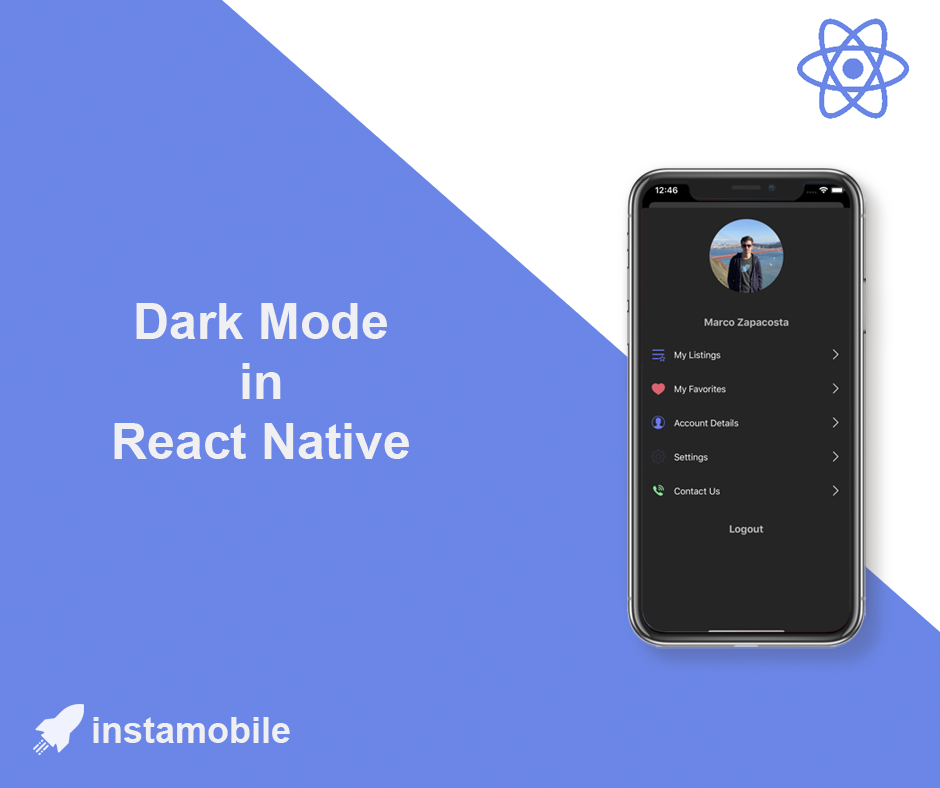
In this tutorial, we are taking a look at how to detect and support dark mode in React Native apps. You are going to build a small demo app that sets its appearance based on the platform OS. The platform OS will have two theme modes, dark or light. By default, when the app will start, it is going to have the theme based on the platform OS but the user is going have an option to toggle between the themes.

React Native Hooks: A Complete Guide

· 9 min read
Full Stack Developer

react hooks

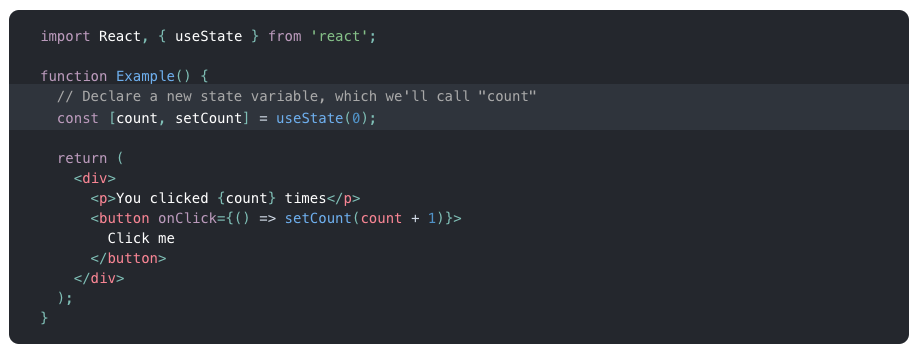
In this tutorial, we are going to give a quick introduction to React Native hooks. Hooks in React are available since the version 16.7.0-alpha. These functions allow us to use React state and a component’s lifecycle methods in a functional component. If you are familiar with React, you know that the functional component has been called as a functional stateless component. Not any more.

How to Add App Icons in React Native

· 5 min read
Full Stack Developer

The app icon is one of the first production assets you should replace before submitting a React Native app to the Apple App Store or Google Play. It appears on the home screen, app stores, settings screens, notifications, search, and device launchers.

This guide explains how to replace icons in a React Native app with native iOS and Android projects.

react native app icon

Optimize Onboarding Screens for Mobile Growth

· 7 min read
Full Stack Developer

Entrepreneurs, designers, and developers tend to separate Growth aspects from the mobile app development process. They are usually perceived as completely different focus areas. After all, what does marketing have to do with app development, right? Because of this, many startups fall into the trap of building onboarding screens that are so beautiful it blows the user’s mind, but they are not optimized for Growth, hence don’t convert well.

React Native AWS S3 Integration

· 9 min read
Full Stack Developer

react-native-aws-s3-bucket

In this tutorial we will build a React Native app that allows users to upload images and videos from their camera and photo library directly into a AWS S3 bucket. As AWS is the leader of cloud providers, a huge part of the React Native ecosystem is using AWS as the backend for their app. With the release of AWS Amplify, using AWS as backend for a React Native app has never been easier to implement.

Finance UI Kits for React Native

· 10 min read
Full Stack Developer

Mobile banking, electronic transactions and online payments have been a growing trend in the modern world. It will not surprise you that every buy and sell transaction will take place online through the internet in the near future. Take a look at our curated list of the best free and premium Finance UI Kits, to use as inspiration while developing your next FinTech app in React Native. Mobile banking application, e-commerce websites and apps are increasing on a day to day basis. Every business companies are developing their own financial software and application. A large number of people already use mobile banking and finance apps to complete transactions, check balances, and explore financial services or financial product options. Financial apps have made it easy to manage your financial information and keep track of personal expenses and savings. As a result, you can leverage these Financial UI kits as inspiration for our next personal finance app project. Due to an increasing number of mobile banking applications, tools and kits are necessary for their quick and efficient designs. Therefore, we provide you with a list of Financial UI kits which will help you get started with your very own business finance application.

This article is focused on finance screens. For the broader React Native UI kit decision, read Best Free React Native UI Kits. If you need a full production starter instead of design inspiration, compare options in The Ultimate Guide to React Native App Templates.