GIPHY integration is useful in React Native chat, comments, stories, social
feeds, and messaging apps. The implementation is straightforward, but production
apps need more than a search URL: attribution, API key handling, debounced
search, pagination, safe media rendering, and a clear fallback when the API is
unavailable.
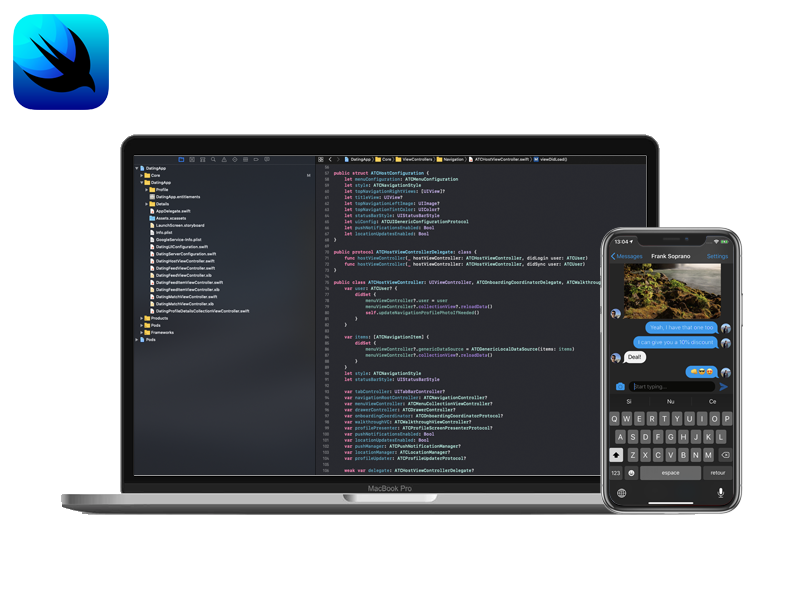
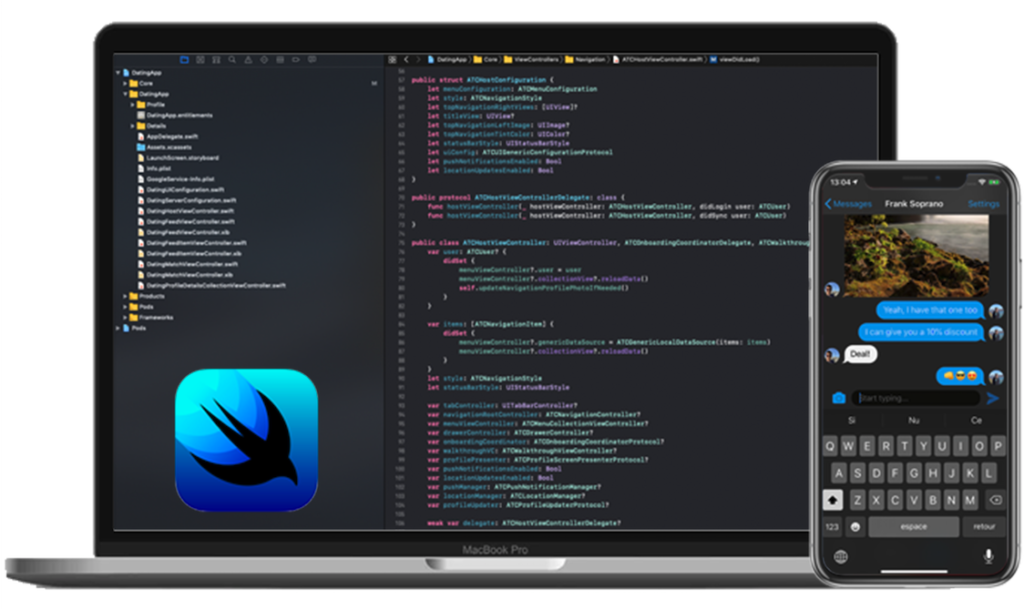
While working on the SwiftUI Chat tutorial, we ran into the issue of handling the keyboard animations by adjusting the layout of all the views visible on the screen, depending on whether the keyboard is visible or not. In this tutorial, we are going to learn how to handle the keyboard animations in SwiftUI with the help of ObservedObject.
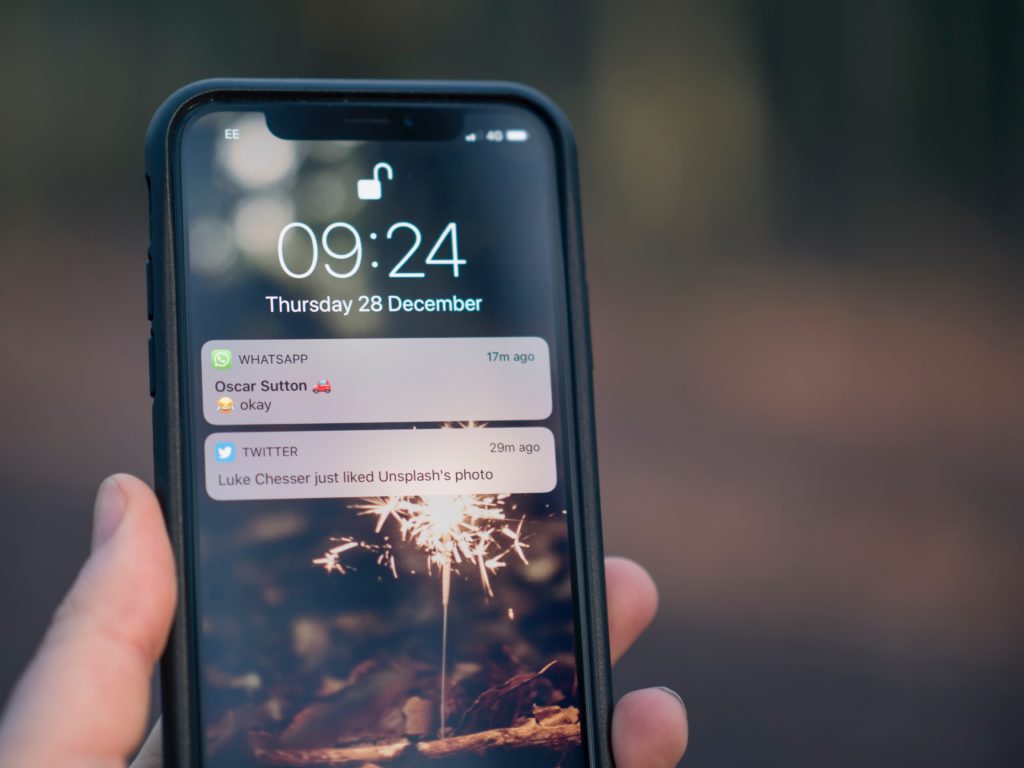
With every release of Xcode, Apple provides us with extremely useful improvements and new features. And as always, from Xcode 11.4 (beta version – up until the publish date of this article), we get another piece of good news from them. That is we can simulate push notifications on the iOS simulator. Finally! Yes, you're not mistaken, it's time to say goodbye to the annoyance of testing on physical devices whenever we want to implement and test push notifications.
Redux is a popular React and React Native state management library, meant to be used in complex React and React Native apps where sharing state between multi-level components can get extremely difficult to manage. In this article we are going to learn how to use Redux with React Hooks by building a real React Native app.
In this detailed tutorial, we are taking a look at how you can add and customize an iOS launch screen in your iOS app and why it's important to take your launch screen design seriously. The task itself is not difficult, and I'll assume you are writing your iOS app in Swift, using Xcode.
Note: If you come from an Android/React Native background, you might have used "splash screen" to describe this app starting screen. Apple prefers "Launch Screen", which is what we're going to use in this article.
Hey everyone, in this article, we are going to learn how to build custom reusable components with ViewModifier, and how to create base views with ViewBuilder. These are powerful mechanisms to implement gorgeous design systems that are consistent across the entire app and that encourage code reusability and good architectural patterns.
Are you a mobile App developer? Do you work in a team along with Web developers? Does your app depend on APIs provided by the Web team? Have you ever faced issues with unavailability of APIs to develop or test a certain feature in your app? If your answer for all the above questions was yes, then this article is for you.
In this iOS tutorial, we are going to learn how to implement a tab bar in SwiftUI by leveraging TabView. Feel free to skip directly to the source code (at the bottom of the page), if you already know what you're doing.
Hello, welcome back to our SwiftUI tutorials series. In this article, we are going to learn how to use the photo camera and library picker in SwiftUI to take photos within our iOS apps – a feature that nearly every mobile application needs nowadays, especially with the latest iPhone release, that has 3 cameras!
In this article we will talk about @EnvironmentObject in SwiftUI and how to use it to handle certain state management situations within our iOS applications.
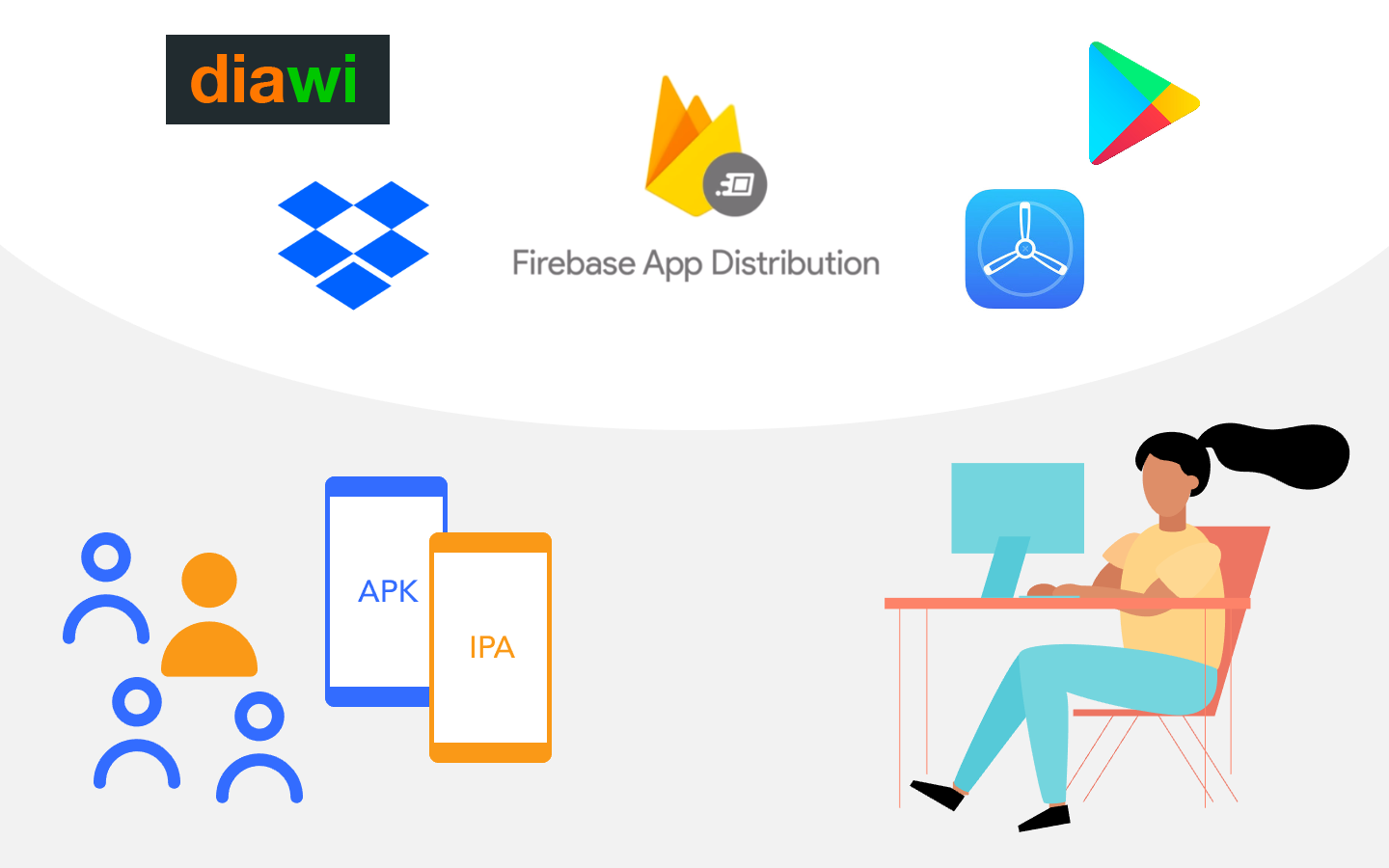
Firebase App Distribution is a practical way to get prerelease Android and iOS
builds into the hands of QA teams, clients, stakeholders, and beta testers
before an App Store or Google Play production rollout.
Mobile apps have changed the way businesses operate in our world today. Awe-inspiring things are happening in all areas of life. If you take a look, it’s easy to see that online, especially mobile presence; this is something every business is after. The reasons for these are simple and obvious, better brand awareness and you can build mutual loyalty with your customers, and your sales increase. In our world today, there is a mobile app for everything. Lots of businesses are improving their customer experience with mobile apps, and the restaurant business is no exception.
Practical product notes
Get the next useful guide
Occasional tutorials, product resources, and lessons from building and launching software.