38 posts tagged with "Tutorial"

The Tutorial tag archive on our blog features a wide range of tutorials and guides, designed to help you master new skills and concepts.

View All Tags

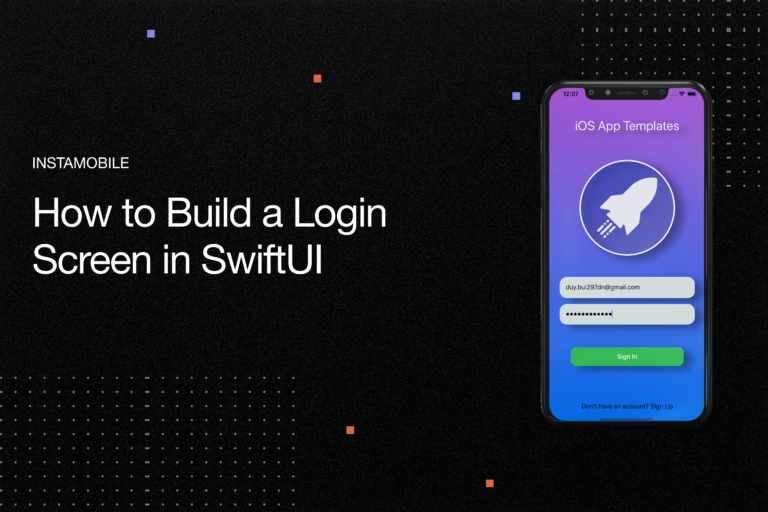
How to Build a Login Screen in SwiftUI

· 5 min read
Full Stack Developer

How to build a login screen in swiftui

Hello fellas, welcome back to our SwiftUI series. In the previous few tutorials, you learned a lot about components, operators as well as how to work with UIKit. Now, it’s time to put those skills to work and get your hands dirty with real practice – design a catchy Login Screen in SwiftUI. After this article, you will find SwiftUI much more convenient and clear.

Mastering Angular Components: A Comprehensive Tutorial

· 15 min read
Engineering Team

In this tutorial, we will explore the world of Angular components and learn how to use them effectively in Angular development. Components are an essential part of Angular applications and understanding them is crucial for any software developer working with Angular. We will start by setting up the Angular environment and then dive into creating and working with components. We will also cover component communication, lifecycle hooks, component interaction patterns, and advanced component techniques. By the end of this tutorial, you will have a solid understanding of Angular components and be able to master their usage in your Angular projects.

Creating Custom Angular Directives: A Practical Tutorial

· 7 min read
Engineering Team

This tutorial will guide you through the process of creating custom Angular directives. We will start by understanding what Angular directives are and why we should use custom directives. Then, we will set up the Angular environment and create a new Angular project. After that, we will explore built-in directives and their types. Finally, we will dive into creating custom directives, including directive syntax, passing data to directives, and understanding directive lifecycle hooks. We will also cover advanced directive techniques such as directive communication and testing. Throughout the tutorial, we will discuss best practices for naming conventions, code organization, and performance considerations.

The Adapter Pattern in Swift - iOS Design Patterns - Xcode Projects

· 4 min read
Full Stack Developer

iOS Design Patterns in Swift

At iOS App Templates, we are building fully coded mobile app templates in Swift, to help startups create their mobile products faster. Part of our mission is to provide highly modularized source code so that developers can easily customize and adapt our code to fit their needs. We are starting a tutorial series on iOS Design Patterns in Swift. In this article, we are going to talk about the adapter pattern, which we widely use in our Xcode projects.

How To Use AWS Amplify in Flutter

· 12 min read
Full Stack Developer

For front-end web and mobile developers, AWS Amplify is a suite of tools and services that can be used together or separately to enable them to create scalable full-stack apps on AWS. App backends and connections can be configured in minutes with Amplify, static web applications can be deployed quickly and simply managed outside of the AWS interface with a few clicks.

Understanding Flutter Navigation and Routing

· 5 min read
Full Stack Developer

Flutter’s new Navigator and Router API is described in detail in this post. These new functionalities may have been referred to as the Router widget in Flutter’s open design documents. Using these APIs, you’ll be able to fine-tune control over your app’s displays, and you’ll learn how to parse routes. These new APIs don’t break anything; they merely add a new declarative API to the list of available options. If you wanted to relocate or delete a page from the bottom of a stack, Navigator 2.0 made it much easier. It’s OK if you’re content with how the Navigator works right now, so long as you don’t mind the changes. Using the Router, the underlying platform’s routes may be handled and the relevant pages are shown. The Router is set up to show the relevant page based on the browser URL in this article.

Building an Image Picker in Flutter

· 6 min read
Full Stack Developer

Any app worth it’s salt will almost certainly have at least one, if not more than one, image picker. The image picker feature is included in a variety of major applications, including Facebook, Twitter, Instagram, and WhatsApp, amongst others. This feature allows users to choose files from their own device to use as a profile picture or to share with their friends. Setting an avatar for the user profile is by far the most typical function for an image picker to perform in a mobile application. In this guide, we’ll walk you through the process of developing an image picker using Flutter. An example Flutter app will be developed in which the user may either choose a picture from the gallery or snap a photo using the device’s camera.