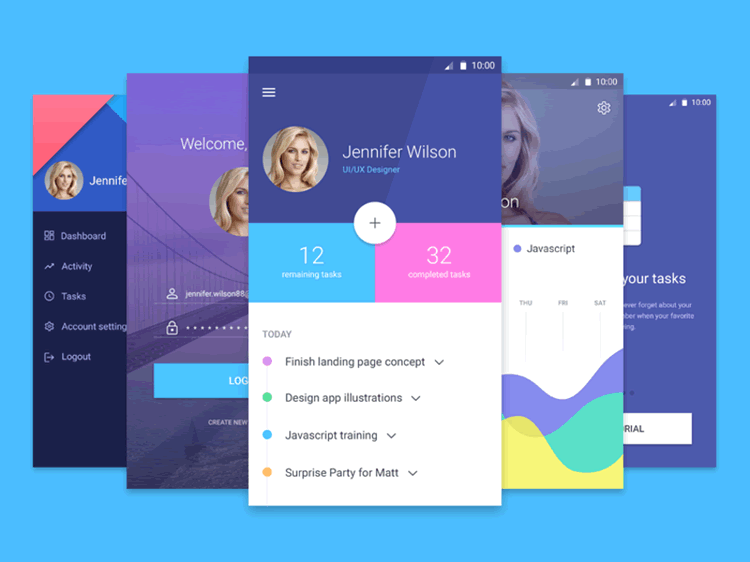
The SaaS sector has seen a notable shift towards utilizing fully coded starter kits. These kits offer substantial advantages for SaaS businesses, particularly in accelerating development timelines, reducing costs, and simplifying technical complexities. This article provides a comprehensive overview of the top 10 SaaS starter kits, detailing their features, technologies, and providing links to their code repositories.
For iOS developers, setting up UI programmatically might feel hard and complicated, especially if you are not very experienced in Swift. But luckily, there are a lot of libraries supporting us with this problem. One of them is SnapKit. In our mobile app templates, we use SnapKit to set up UI programmatically, since it’s by far the best Swift UI Layout Library. In this SnapKit tutorial, we are going to give you a brief introduction to the SnapKit world.
React Native is popular with teams that want native iOS and Android apps from a shared JavaScript codebase, and there are many choices when it comes to functional React Native app templates. Beautiful app designs are harder to find when you also need production-ready code, backend integration, and maintainable architecture. At Instamobile, we are creating beautiful mobile app templates, in React Native, Kotlin and Swift, to empower app developers and entrepreneurs to make their own native mobile apps quickly and at a fraction of the cost. Check out some of our work, such as this amazing Restaurant App Template in React Native.
This page focuses on free examples and starter kits. For the broader decision framework across free, premium, and production-ready source code, read The Ultimate Guide to React Native App Templates.
Providing your users with the option to login with Facebook is one of the best growth hacks ever. Making the sign up & login process as frictionless as possible,
by using the Facebook Login button, will skyrocket your conversion on the onboarding screens. Let’s take a look and see how to integrate Facebook Login in Flutter.
Today we are going to discuss React Native open source apps and production-grade codebases that are useful to study before starting your next mobile app.
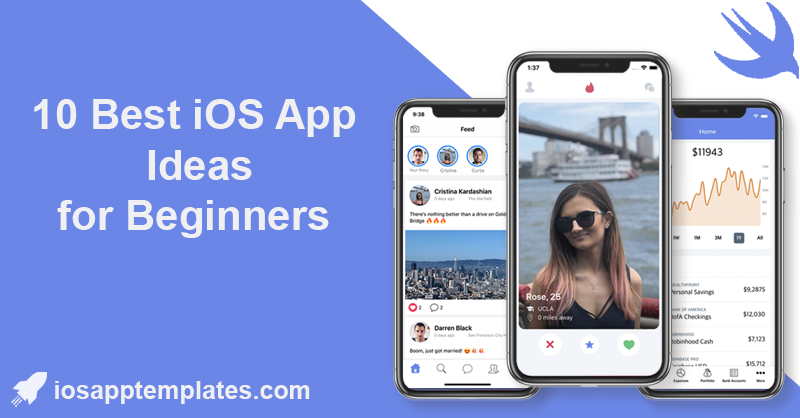
Over the past few years, along with the popularity of social networking applications, dating apps have also rapidly emerged. One of these most prominent applications is Tinder. It’s not only an awesome dating app, but it also created new iOS trends on view animations or transitions, such as the Tinder Card Swipe or Tinder UI (our Swift Dating App was inspired by Tinder).
In this tutorial, we will compare two popular JavaScript frameworks, SvelteJS and Polymer, and discuss their differences in terms of syntax, performance, component architecture, data binding, tooling, and community and ecosystem. By the end of this tutorial, you will have a clear understanding of the strengths and weaknesses of each framework, allowing you to make an informed decision when choosing between SvelteJS and Polymer for your web development projects.
In the world of React Native development, creating efficient and responsive lists is a common task. One of the go-to components for this purpose is the FlatList. In this comprehensive tutorial, we will take a deep dive into React Native’s FlatList component. We’ll cover everything you need to know to use FlatList effectively in your React Native applications.
WebRTC (Web Real-Time Communication) is a powerful technology that enables real-time communication (like video and voice chats) in web and mobile applications. Integrating WebRTC into iOS applications often involves a combination of the native WebRTC SDK and bridging techniques to adapt it for specific platforms like SwiftUI or UIKit.
KeyboardAvoidingView is the built-in React Native component for moving or
resizing content when the software keyboard appears. It is useful for simple
forms, authentication screens, checkout fields, profile edits, and support
flows.
The tricky part is that keyboard behavior differs by platform, navigation
header, safe area, scroll container, modal presentation, and Android window
settings. Treat keyboard handling as a screen-level layout decision, not a
wrapper you add around the whole app.
SwiftUI has revolutionized iOS app development by offering a declarative and intuitive way to build user interfaces. To further enhance your SwiftUI development experience and make your apps stand out, various third-party libraries have emerged. In this blog post, we'll dive into 10 SwiftUI libraries that can supercharge your iOS app development journey. Each library comes with a code example explained line by line to help you understand its implementation.
In this tutorial, we will learn how to create a responsive sticky footer in a React application. A sticky footer is a footer that stays at the bottom of the page even if the content is shorter than the viewport height. We will use React and CSS flexbox to achieve this. By the end of this tutorial, you will have a solid understanding of how to implement a sticky footer in your React projects.