Changing the app name
This is a regular Xcode project, so changing the app name is standard. Click on the project, go to the General tab, and change the Display Name field.
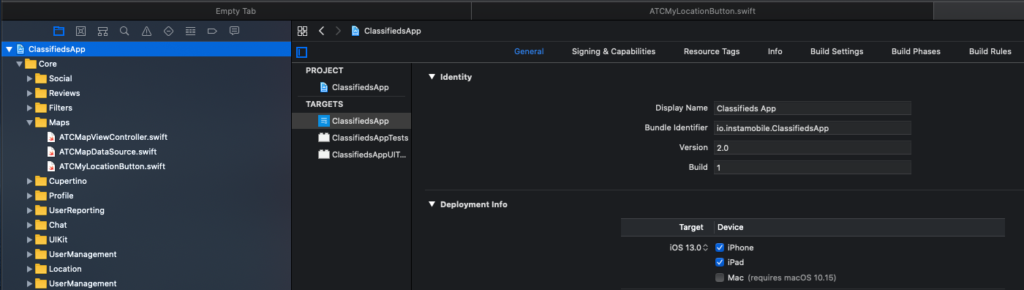
After that, rebuild the app and you’ll notice it has a different name.
Note: Make sure the name is not taken already on the App Store, otherwise you won’t be able to submit your app.