Kotlin Restaurant App Template
A Complete Full-Stack Solution for Food Ordering, Table Reservations, and Restaurant Management.
Get this template with All Access
Subscribe to unlock Kotlin Restaurant App Template plus the full Dopebase catalog. Product pages now support subscription checkout only.
See what you get before digging into the full technical details
Overview
Android Restaurant App Template with Backend Orders, Reservations & Food Menu Full Kotlin source code built with Android Studio Fully integrated with Firebase Backend system
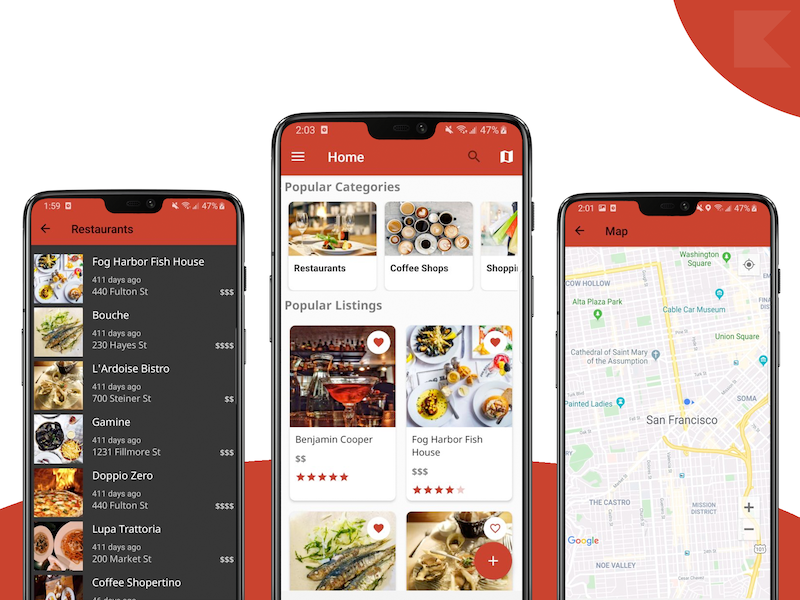
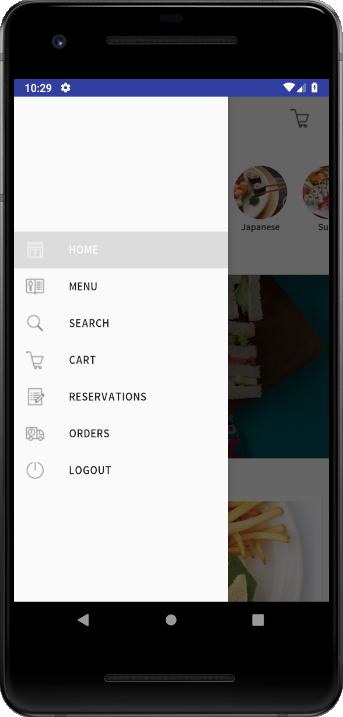
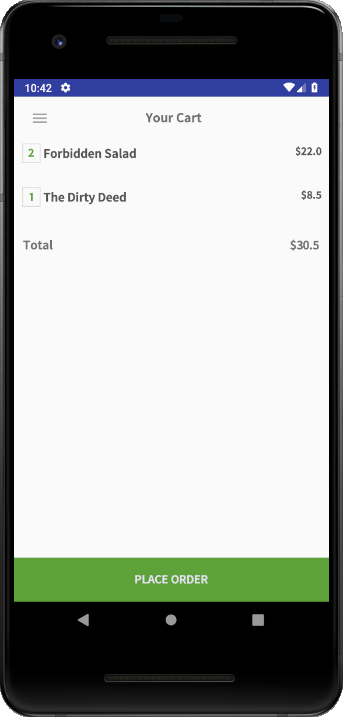
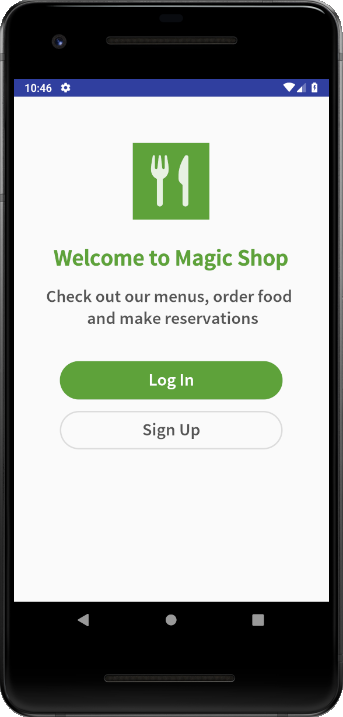
Splash Screen, with customizable app name & icon Login Screen, supporting Email & Password login, Facebook Login, and Firebase Auth Home Screen, featuring Stories Tray, listing popular categories Carousel View, picturing a chosen set of food categories List of popular Food Items Categories Page, presenting the relevant food categories served by your restaurant Food Menu screen, containing the food items in specific categories Food Item Details Screen Details about the food product Carousel of photos, to visualize the food Add to Cart fully implemented functionality Cart Page listing the products in the current cart with Order functionality Orders are being sent to Firebase backend, where you can see & accommodate them Order History Screen listing all the past orders of a customer they can reorder the same thing by simply pressing the “Reorder” button – great for frictionless sales! Reservations Screen Presenting your Restaurant’s details such as logo, image, and address The submitted reservations are being sent to the Firebase Database automatically so that you can see them and take appropriate action Search Screen Dynamically searches through all the food items you’ve added into Firebase Registration Screen Customers can create new accounts The accounts are automatically stored in Firebase (via Firebase Auth)
What You Get
- Android Restaurant App Template with Backend
- Orders, Reservations & Food Menu
- Full Kotlin source code built with Android Studio
- Fully integrated with Firebase Backend system
Key Highlights
- Splash Screen, with customizable app name & icon
- Login Screen, supporting Email & Password login, Facebook Login, and Firebase Auth
- Home Screen, featuring Stories Tray, listing popular categories
- Carousel View, picturing a chosen set of food categories
- List of popular Food Items
- Categories Page, presenting the relevant food categories served by your restaurant
Open the sections below for the full included list, feature breakdown, and technical details.